

Aging, arrears & reminders
Knowing who owes what, and for how long, is half of running school finance. EduPrime gives you a 30/60/90-day aging report, staged dunning levels, and automated reminders by email and SMS. This page also covers a fair suspension policy so chasing fees never becomes chasing children out of class without process.
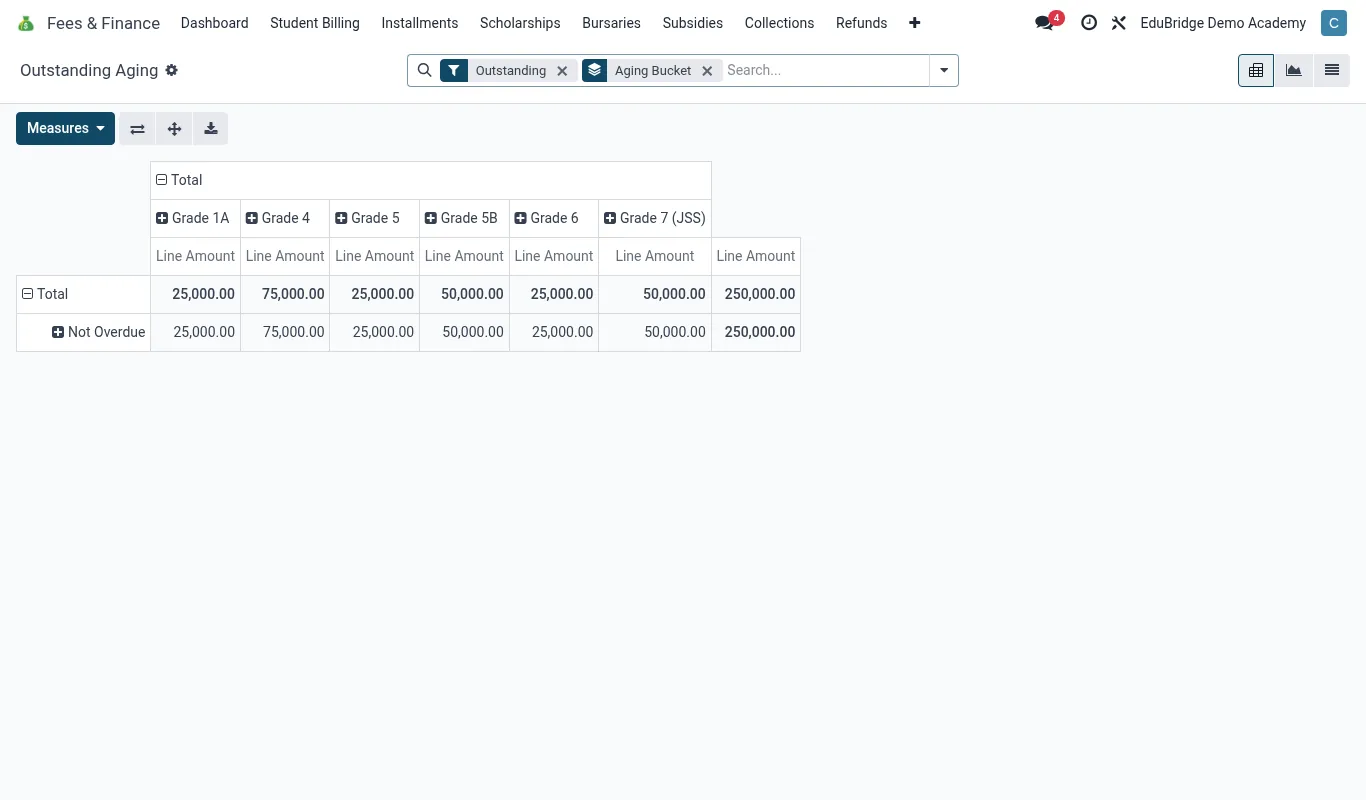
The 30/60/90 aging report
Open Fees & Finance → Reports → Aging. Every outstanding balance is bucketed by how long it has been due.
| Bucket | Meaning | Typical action |
|---|---|---|
| Current | Due this term, not yet overdue | Gentle reminder |
| 1–30 days | Recently overdue | First reminder (SMS) |
| 31–60 days | Persistent | Second reminder + call |
| 61–90 days | Serious arrears | Formal letter, meeting |
| 90+ days | At-risk debt | Escalation / payment plan |
Filter the report by class, stream or boarder status to see where arrears concentrate, and export it for the board or finance committee.
Dunning levels
Dunning is the staged sequence of reminders that escalate as a balance ages. EduPrime ships sensible defaults you can edit under Configuration → Reminder Levels:
- Level 1 – friendly SMS a few days after due date.
- Level 2 – firmer email + SMS at 30 days, with the statement attached.
- Level 3 – formal letter at 60 days requesting a meeting or plan.
- Level 4 – final notice at 90 days; triggers your suspension policy review.
Automated email & SMS reminders
Reminders run on a schedule so no family slips through.
- Enable Automated reminders under Configuration.
- Map each dunning level to a template (email and/or SMS) using merge fields for child name, amount and balance.
- Set the run schedule (e.g. every Monday morning).
- EduPrime evaluates each family’s aging bucket and sends the matching level – once per cycle, never spamming.
Suspension policy
Suspension – sending a child home over fees – is a last resort and often regulated. EduPrime supports a documented, fair process rather than an automatic cut-off.
- A balance reaching 90+ days flags for review, not automatic suspension.
- The bursar and head review the case, the dunning history and any hardship.
- If suspension proceeds, it is recorded with a reason and date, and the family is notified in writing.
- An offer of a payment plan should accompany any suspension notice.