

Refunds, transfers & adjustments
Sometimes a family pays too much, a child leaves with a credit, or a debt genuinely cannot be collected. EduPrime handles refunds, credit transfers between siblings and terms, and approved write-offs – each with a trail so the ledger always reconciles. This page covers all three, with the controls that stop them being abused.
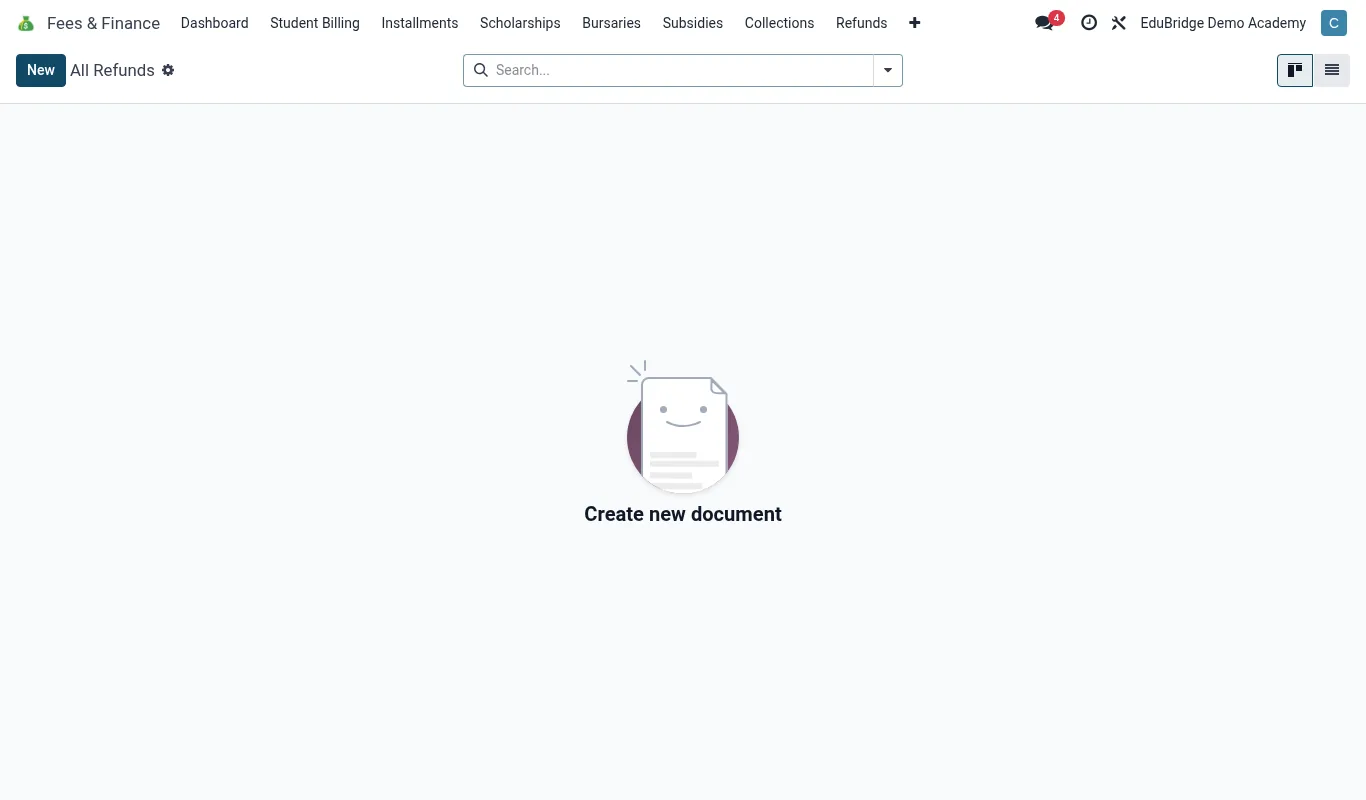
Refunding overpayments
An overpayment is real money the school holds on the family’s behalf – from a duplicate payment, a credit note, or a child leaving with a positive balance.
- Open the family/student and confirm the credit balance on the statement.
- Click Refund and enter the amount (up to the available credit).
- Choose the method – back to the mobile-money number, bank transfer, or cash.
- Record the reason and obtain the required approval.
- Confirm; the credit reduces and a refund record is created.
Transferring credit between siblings & terms
Often a credit is better moved than refunded – to a sibling who owes, or forward to next term.
| Transfer | When | How |
|---|---|---|
| Sibling → sibling | One child overpaid, another owes | Allocate the credit to the sibling’s invoice on the shared family account |
| Term → term | Credit left at term-end | Carry forward as opening credit next term |
| Child → refund | Family is leaving the school | Refund rather than transfer |
Because siblings share a family account, a sibling transfer is just an allocation – no money leaves the school, and both children’s statements reflect the move.
Write-offs & adjustments
A write-off removes a debt the school accepts it will not collect. This is a deliberate financial decision, never a quiet edit.
- Open the outstanding invoice and choose Write-off.
- Enter the amount and a clear reason (e.g. hardship, uncollectable, goodwill).
- Route it to the designated approver – write-offs above a threshold need head/board sign-off.
- On approval, EduPrime posts an adjustment that clears the balance and records who approved it.
The adjustment audit trail
Every refund, transfer and write-off is logged with the user, date, amount, reason and approver. Run Reports → Adjustments to review all of them for a period. This is the report an auditor or board treasurer will ask for first – keep it clean by insisting that every adjustment goes through the proper workflow, never a back-door edit.