

Transcripts & academic history
Where a report card covers one term, a transcript covers a learner's whole career – every year, and even multiple curricula, on a single official document. This page covers building the cumulative transcript, GPA and points, and issuing sealed official copies.
How transcripts build up
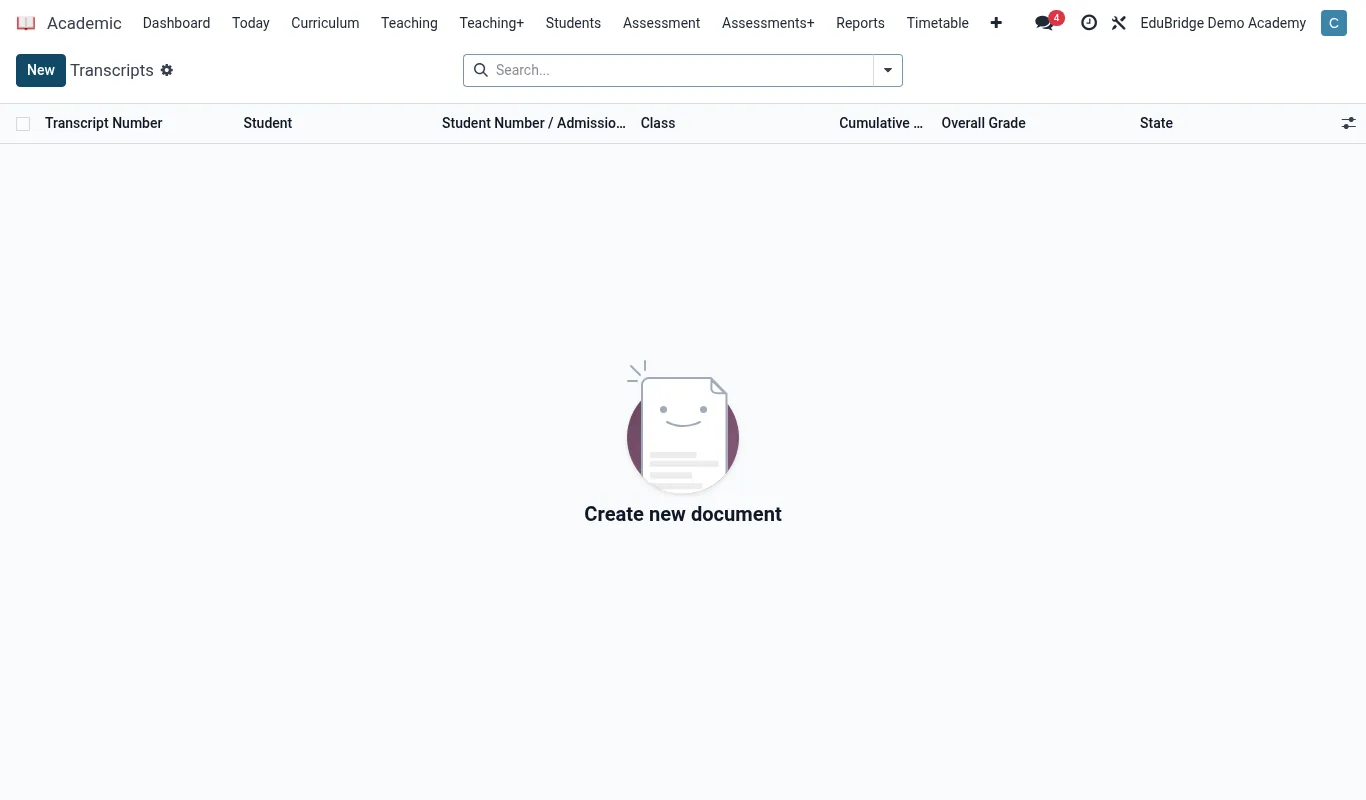
Every approved report card adds a term to the learner's academic history. The transcript is the rolling summary of all those terms, so it is always current with no separate data entry. Open Academic → Transcripts and select a learner to see their full record.
- Terms are grouped by academic year, newest or oldest first.
- Each subject shows its grade per term and a year aggregate.
- A cumulative figure (GPA or total points) appears at the foot.
Multi-curriculum on one document
Learners who move between streams – for example two years on a national curriculum then transferring to IB – would otherwise need separate transcripts. EduPrime renders all curricula on one document, with each period clearly labelled by the scale it used, and a key explaining each.
| Year | Curriculum | Scale shown |
|---|---|---|
| Form 1–2 | National 8-4-4 | Letter A–E |
| Year 11 | Cambridge IGCSE | Letter A*–G |
| DP1–DP2 | IB Diploma | IB 1–7 (out of 45) |
GPA and points
The cumulative figure is computed from the points value on each grade (configured on the grading scale). EduPrime can show a weighted GPA, a simple mean grade, or a curriculum-specific total such as the IB /45. The calculation method is set per programme so each stream reports the figure its curriculum expects.
Issuing official copies
An official transcript is a controlled document. To issue one:
- Open the learner's transcript and click Issue official copy.
- Choose the destination – the learner, a named university, or a ministry body.
- EduPrime stamps the copy with an issue date, a serial number and an authenticity reference.
- The signed PDF is logged against the learner so you have a record of every official copy released and to whom.