

Academics overview
The Academic app is the operational heart of EduPrime. It connects what you teach (subjects and curricula), when and where you teach it (the timetable), how learners perform (the gradebook), and how that performance is communicated (report cards and transcripts).
Everything in this section flows in one direction: you first define subjects and group learners into classes; the timetable engine then places subjects into periods against rooms and teachers; teachers record attendance per period and enter marks into the gradebook; and at the end of each term those marks are rolled up into report cards and, over multiple years, into transcripts.
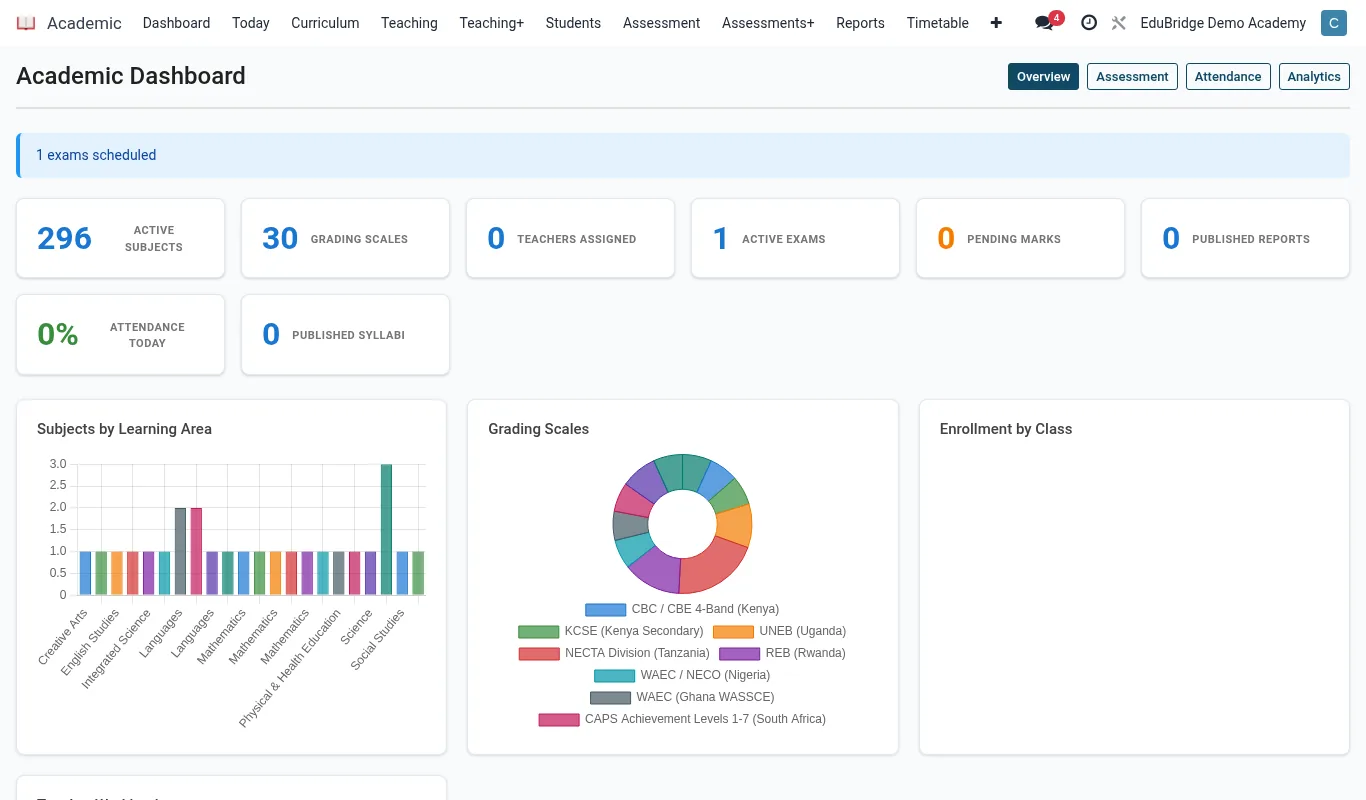
How the pieces connect
Each module reuses data from the one before it, so you only ever enter information once. A subject created in Configuration is the same subject that appears on the timetable, in the gradebook column, on the report card line, and on the transcript row.
| Building block | Created in | Feeds into |
|---|---|---|
| Subjects & curricula | Academic → Configuration | Timetable, gradebook, reports |
| Classes & subject sets | Academic → Classes | Timetable, registers, gradebook |
| Timetable | Academic → Timetable | Attendance registers, portal |
| Attendance | Per period register | Report cards, parent alerts |
| Gradebook marks | Academic → Gradebook | Report cards, transcripts |
Roles and access
The Academic app respects role boundaries. A subject teacher sees only their own classes and timetable; an academic head sees the whole school; a parent or student sees a published, read-only view in the portal. The table below summarises the typical day-to-day owner of each task.
- Exams / academic officer – builds the timetable, configures grading scales, generates report cards.
- Subject teacher – takes attendance, enters continuous assessment and exam marks, writes comments.
- Class teacher – reviews positions, signs off the class report cards.
- Parent / student – views the published timetable, attendance and report card in the portal.
Where to start
New administrators should read Defining subjects & curricula and Building the timetable first, because every other page depends on those two being complete. Teachers who only need day-to-day operation can jump straight to Taking attendance and The gradebook.