

Guardians, contacts & relationships
A student record is only as useful as the people attached to it. Guardians receive invoices, log in to the parent portal, get absence alerts and are who you call in an emergency. This page covers adding and ranking them correctly.
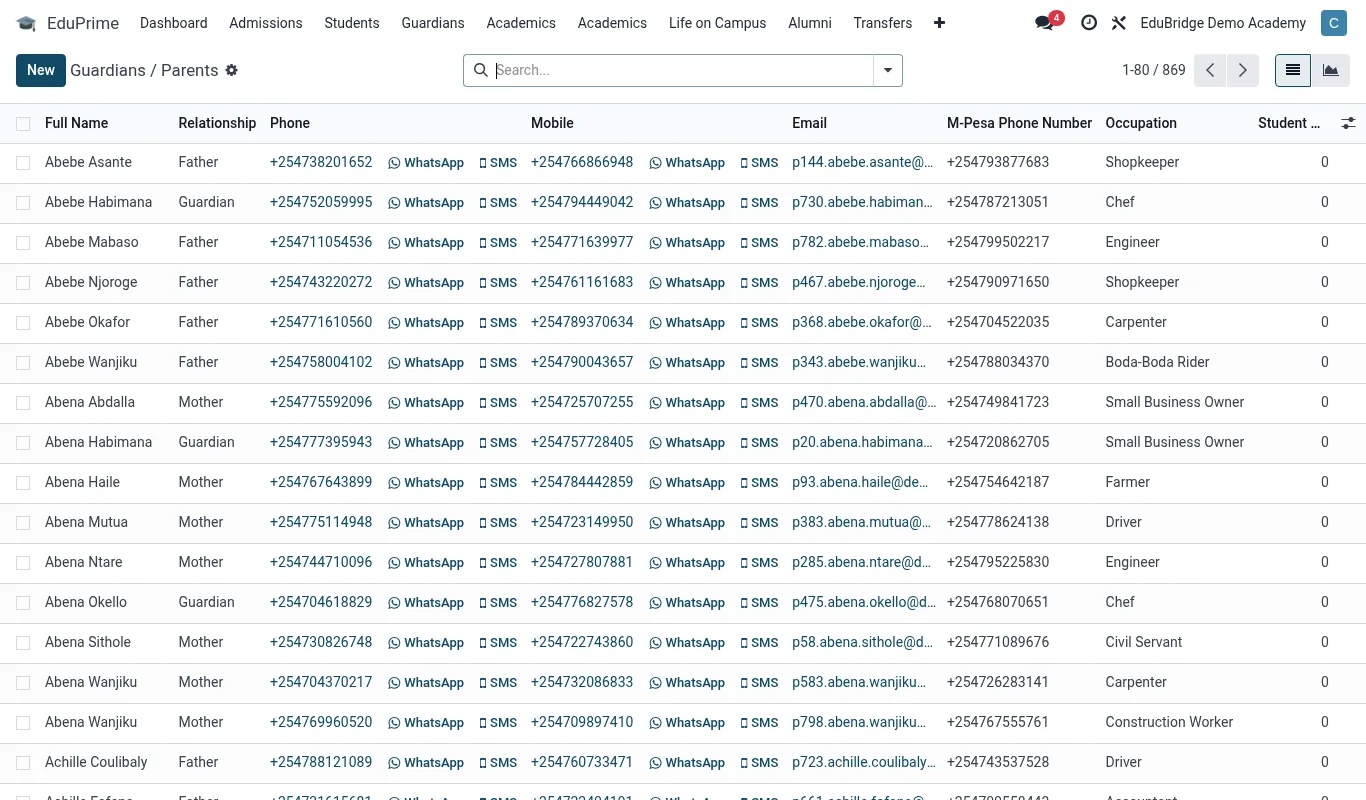
Where to find it — App drawer → EduPrime → Guardians → All Guardians.
Adding a guardian
- Open the student profile and go to the Contacts & Guardians tab.
- Click Add a guardian.
- Enter name, relationship (Mother, Father, Aunt, Sponsor, etc.), phone, email and ID number.
- If this guardian already exists in EduPrime (common for siblings), search and link the existing contact instead of retyping – this keeps one portal login across all their children.
- Tick Primary contact for exactly one guardian.
- Tick Emergency contact for at least one (can be the same person).
- Save.
Tip — Always link an existing guardian when the family already has a child enrolled. One guardian, one login, all children – parents hate maintaining two accounts.
Primary, emergency & custody
Three roles matter and they are independent:
| Role | Effect |
|---|---|
| Primary contact | Receives fee statements, portal login, official correspondence. Exactly one. |
| Emergency contact | Called first in a medical or safety incident. One or more. |
| Custody note | Free-text field for legal custody arrangements, pickup restrictions or court orders. |
Important — Use the custody note for any restriction on who may collect the child or who may be given information. The front desk and gate staff read this field before releasing a student. Keep it current.
Siblings & family grouping
Linking siblings lets EduPrime offer family-level views and sibling fee discounts. To link, add the same guardian to each child's record (using the existing-contact search), or use the Siblings field to point records at each other. Once linked, a guardian's portal shows all their children on one dashboard, and the Fees app can apply a multi-child discount automatically if configured.
Troubleshooting
- Parent can't see one child – the guardian is linked to one record but not the other. Add them to the missing record.
- Invoice went to the wrong person – the wrong guardian is marked primary. Untick and re-tick.
- Duplicate guardian appears twice – two contacts were typed instead of linked. Merge them in the contact list, then re-link.
Related pages
Was this page helpful?