

Transfers, withdrawals & graduation
Students leave for three reasons: they transfer to another school, they withdraw, or they graduate. EduPrime handles each as a clean hand-off that preserves the full record and, where needed, produces a transfer certificate – while making re-admission painless if they ever return.
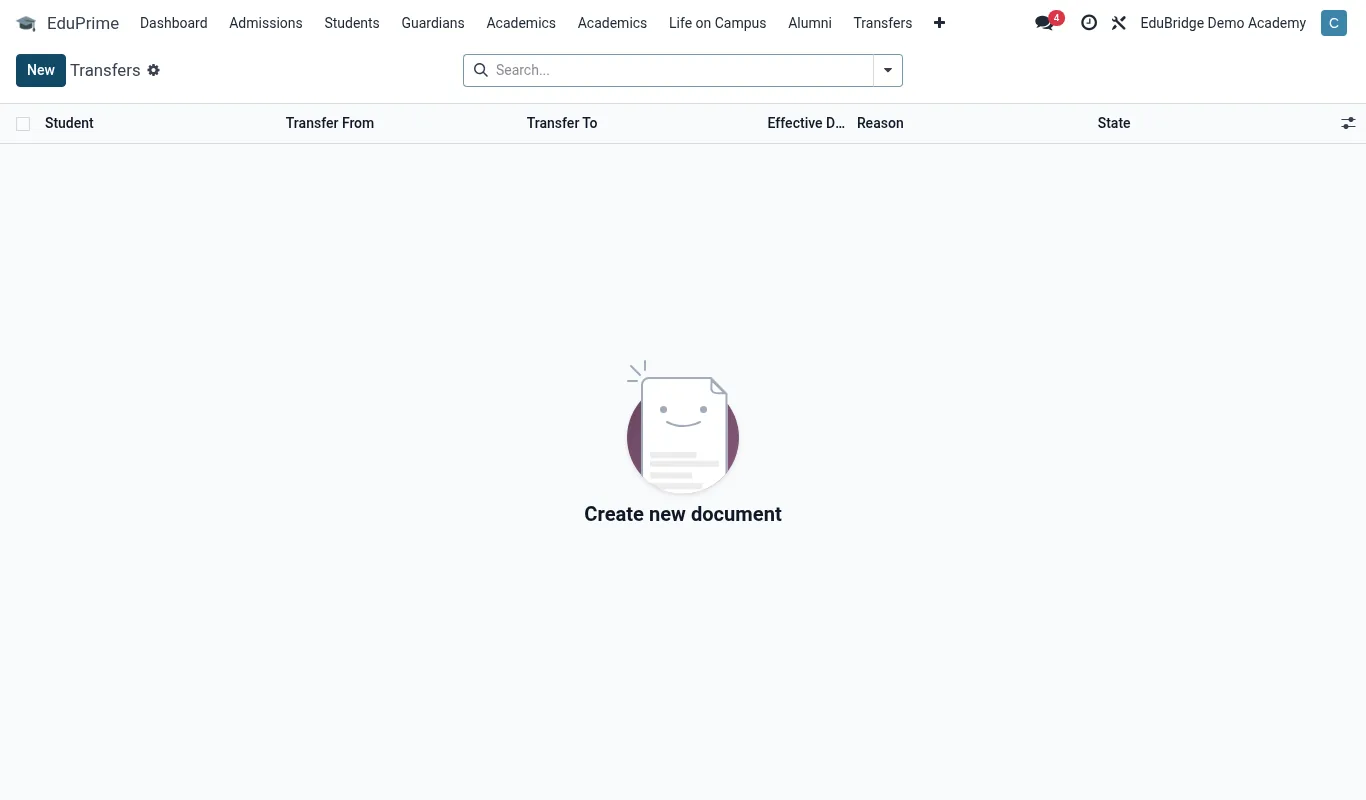
Transfers
A transfer is a managed exit with paperwork. To process one:
- Open the student profile and choose Transfer out.
- Record the destination school, the transfer date and the reason.
- Confirm the fee position – outstanding balances must be cleared or formally noted before a clean certificate is issued.
- Generate the Transfer Certificate, which summarises the student's enrolment dates, last class, conduct and fee clearance.
- Confirm. The student's status moves to Archived and the record leaves active lists.
Withdrawals
A withdrawal is a departure without a destination school (relocation, financial, or unstated). Use the Withdraw action, record the date and reason, and the record is archived. Any outstanding balance remains on the record so finance can pursue or write it off separately.
Graduation & leavers
Graduates are handled in bulk by the year-end promotion (top class → Leavers). For an individual early graduate, use Mark as graduated on the profile. Graduated students are archived with a Graduated tag, keeping them out of active operations while preserving every grade, payment and attendance record for transcripts and alumni outreach.
Preserving history & re-admitting
Archiving never deletes. The complete 360° record – grades, fees, health, class history – stays intact and searchable when you filter the list to include Archived.