

Enrolling a new student
Most students arrive through Admissions and are converted with one click. But registrars also create records manually – for late walk-ins, staff children or migrations. This page covers the manual path end-to-end.
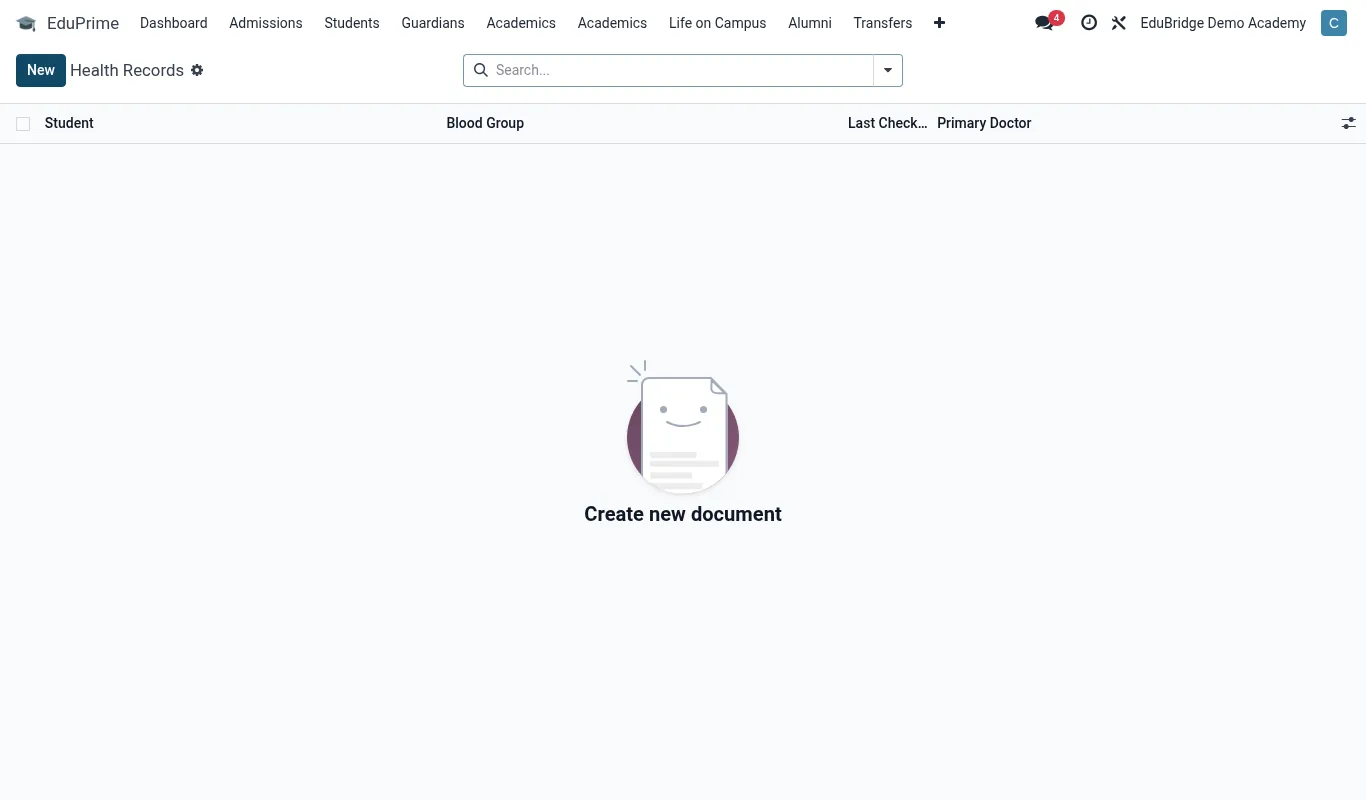
Where to find it — App drawer → EduPrime → Health Records → Student Health.
Before you start
Have these ready: the student's legal names, date of birth, gender, the class/stream they are joining, at least one guardian with a phone number, and the fee structure that applies to their class. Manual enrolment without a guardian is allowed but strongly discouraged – the parent portal and invoicing both need one.
Step-by-step
- Go to EduPrime → Students and click New.
- Enter First name, Surname and any middle name. Add a preferred name if used.
- Set Gender and Date of birth. EduPrime validates the DOB against the class's expected age band and warns (does not block) on mismatch.
- Choose Class and Stream. The stream list filters to the chosen class.
- Set Boarding or Day. Boarding unlocks the Hostel and Meals links.
- Add the Admission number. Leave blank to auto-generate from the configured sequence, or type one to match an existing paper register.
- Open the Guardians tab and add at least one guardian; mark it the primary contact.
- On the Fees tab, attach the fee structure for the class. This is what generates the term invoice.
- Click Save. The record is now Active and visible to every app.
Tip — If you let EduPrime auto-generate the admission number, set the sequence once under Settings so every record follows your house format (e.g.
2026/0001). You never have to think about it again.Required vs optional fields
| Field | Required? | Note |
|---|---|---|
| First name & Surname | Yes | Cannot save without both. |
| Date of birth | Yes | Drives age checks and ECD logic. |
| Class / Stream | Yes | Placement; can be changed later. |
| Admission number | Auto | Generated if left blank. |
| Guardian | Recommended | Needed for invoicing & portal. |
| Fee structure | Recommended | Attach now to avoid a missing invoice. |
Important — If you forget to attach a fee structure, the student will not appear in the term invoice run and the balance will read zero. Audit new manual enrolments against the invoice batch before the term starts.
Related pages
Was this page helpful?