

Health & at-risk flags
EduPrime keeps a health summary on every student and pairs it with the Bria AI engine, which scores each learner for academic, attendance, financial and wellbeing risk. Together they let a school act before a child slips – medically or academically.
The health summary
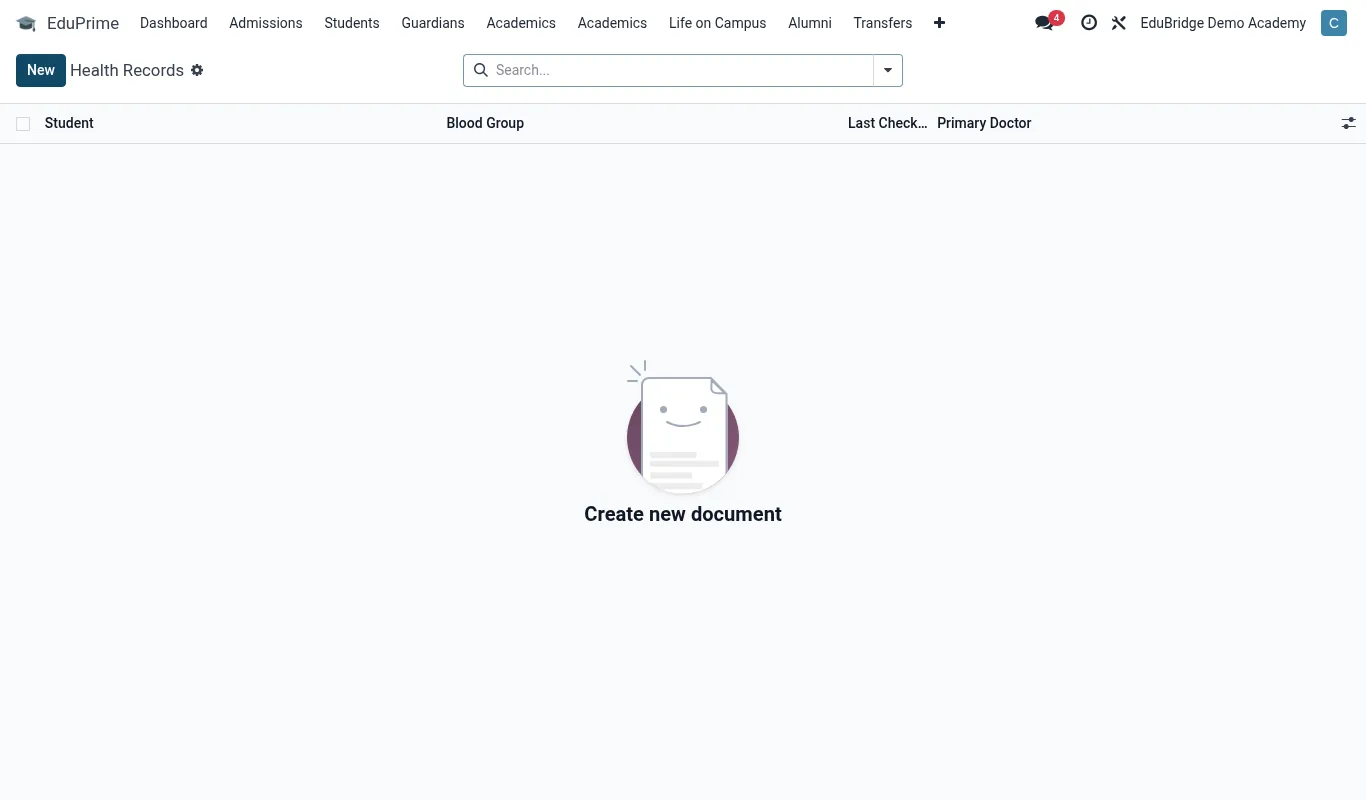
The Health tab on each profile records:
- Allergies – food, drug and environmental, with severity.
- Chronic conditions – asthma, diabetes, epilepsy, etc.
- Medications – current prescriptions and dosing the school must support.
- Blood group and emergency medical notes.
- Special dietary needs – surfaced to the Meals app.
The at-risk view & Bria scoring
Open EduPrime → Students → At-Risk to see every student the Bria AI engine has flagged. Bria combines signals – falling grades, rising absences, fee arrears and wellbeing indicators – into a single risk score and category, so staff can triage by severity rather than reading hundreds of records.
Working an intervention
- Open the At-Risk view and sort by risk score, highest first.
- Open a flagged student to see why Bria flagged them – the contributing signals are listed.
- Log an intervention: assign an owner (class teacher, counsellor), record the action and a follow-up date.
- Track outcomes over time – as the underlying signals improve, the score falls and the flag clears.
Manual flags
Staff can also raise a flag manually – for a safeguarding concern Bria cannot see, for example. Manual flags sit alongside AI flags in the same view and follow the same intervention workflow, so nothing falls through the cracks regardless of how it was raised.