

Enrolling an accepted applicant
Enrolment is the finish line of admissions and the start line of the SIS. EduPrime converts an accepted applicant into a full student record in one click – creating the SIS record, carrying every detail across and attaching the fee structure – so nothing is rekeyed and nothing is lost.
Where to find it — App drawer → Admissions → Applications.
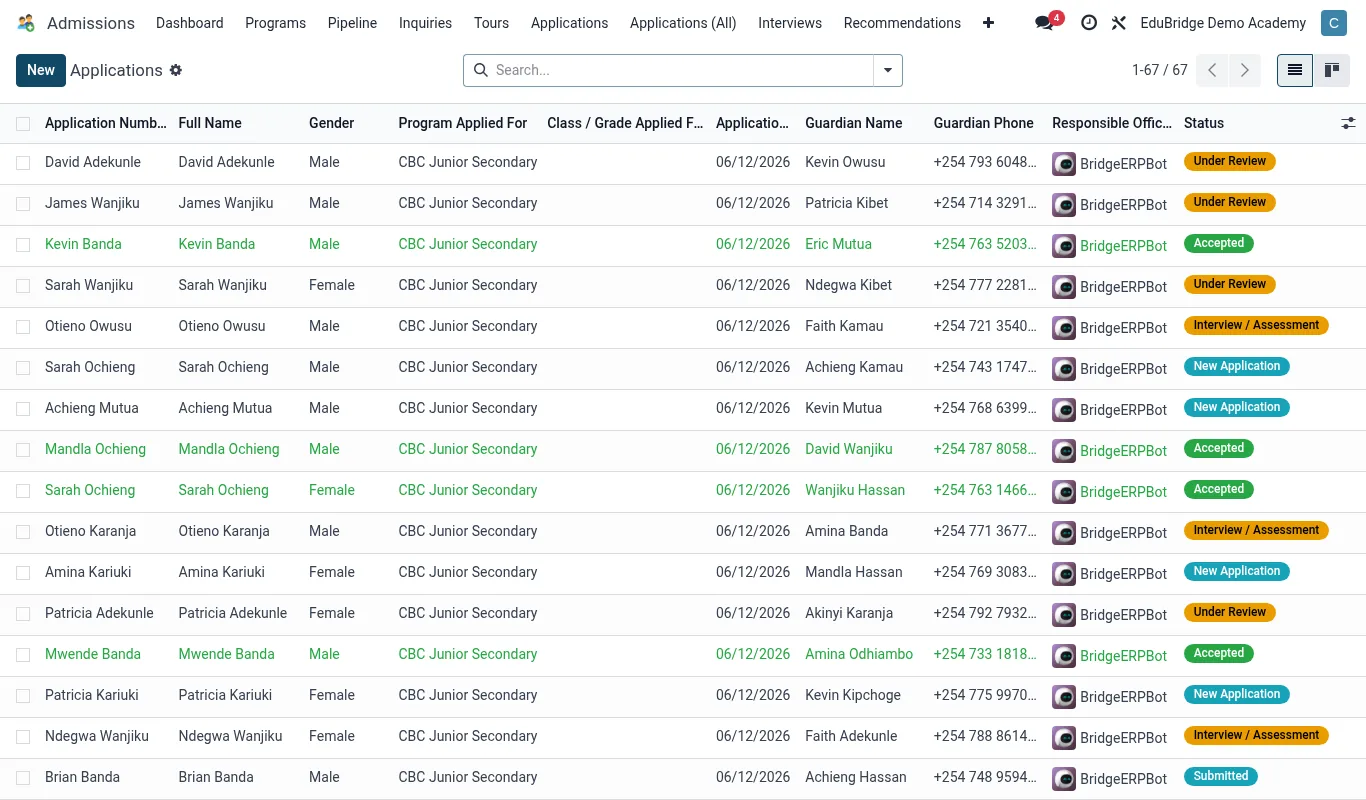
One-click conversion
- Open the accepted application in EduPrime → Admissions.
- Confirm the final class/stream and intake term are correct.
- Click Enrol (Convert to student).
- EduPrime creates a new SIS student record, copies the names, date of birth, gender, guardian contacts and any uploaded documents, and assigns an admission number from your sequence.
- The application card moves to the Enrolled stage and links to the new student record.
Tip — Do the final data check before you click Enrol. Names, DOB and class flow straight into the permanent record – fixing a typo on the application now is cleaner than correcting an enrolled student and their first invoice later.
Attaching the fee structure
Conversion attaches the fee structure for the assigned class to the new record, so the student is included in the next term's invoice run automatically. Boarders get the boarding fee structure; day students the day structure. Confirm the right structure attached on the student's Fees tab before the invoice batch runs.
Important — If a student enrols mid-term or into a non-standard arrangement (scholarship, sibling discount, sponsor), verify the fee structure manually after conversion. Automatic attachment uses the standard structure for the class – exceptions must be set by hand or the invoice will be wrong.
The welcome pack & portal access
After conversion, finish the onboarding:
- Confirm the primary guardian is set so the parent portal login activates.
- Send the welcome pack – admission confirmation, fee statement, term dates, uniform and supplies list.
- Assign logistics if needed: Transport route, Hostel bed, Meals plan.
- Verify the student appears in their class list in the SIS.
Tip — The moment of enrolment is also the moment of first impression. A prompt, complete welcome pack tells the family they chose well – and it cuts the front-desk questions in the first week dramatically.
Related pages
Was this page helpful?