

The admissions pipeline
Admissions in EduPrime is a visual pipeline. Each prospective student is a card that moves left to right through stages – from a first inquiry to an enrolled learner – so the admissions office always knows exactly where every applicant stands and where they are getting stuck.
Open it from the App drawer (EduPrime → Admissions). The default view is a kanban board with one column per stage and a conversion dashboard above it.
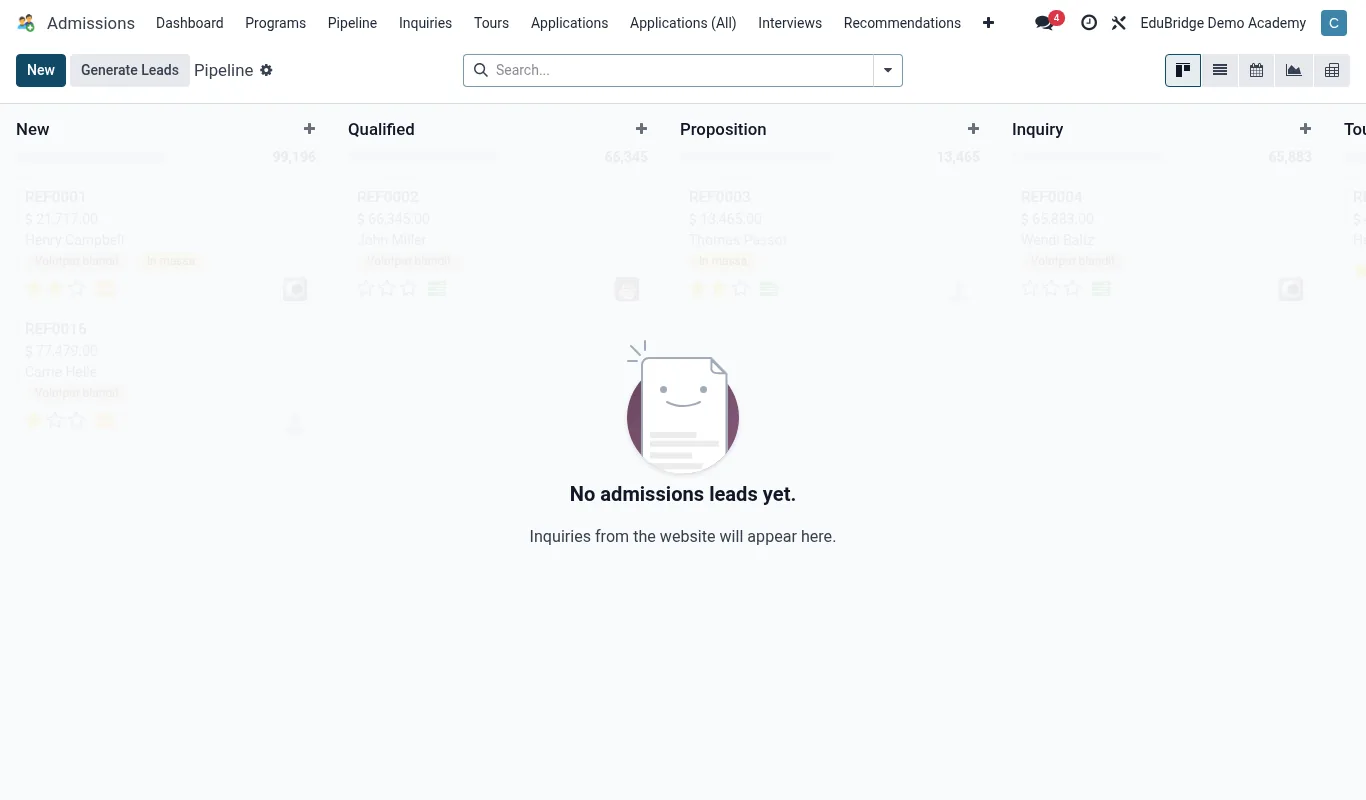
The stages
| Stage | Meaning |
|---|---|
| Inquiry | Someone has expressed interest – a call, a walk-in, a web form. Not yet applied. |
| Application | A formal application has been submitted with the basic details. |
| Interview / Assessment | The student is being evaluated – interview, entrance test or both. |
| Offer | The school has decided to admit and has issued an offer. |
| Accepted | The family has accepted the offer. |
| Enrolled | Converted into an SIS student record – the pipeline's finish line. |
Moving cards through the pipeline
To advance an applicant, drag their card from one column to the next. EduPrime logs the stage change with a timestamp, so the dashboard can measure how long applicants spend at each stage. You can also open a card and change its stage from inside the record.
The conversion dashboard
Above the board, the dashboard shows live counts per stage and the conversion rate between stages – how many inquiries became applications, how many offers were accepted, and overall inquiry-to-enrolled yield. Use it to forecast intake numbers and to judge whether you are generating enough inquiries to hit your roll target.