

Reviewing applications & collecting documents
Once an application is in the pipeline, the admissions team reviews it, decides whether to proceed, and collects the documents the school needs – all tracked against a checklist so nothing is missing when it is time to make an offer.
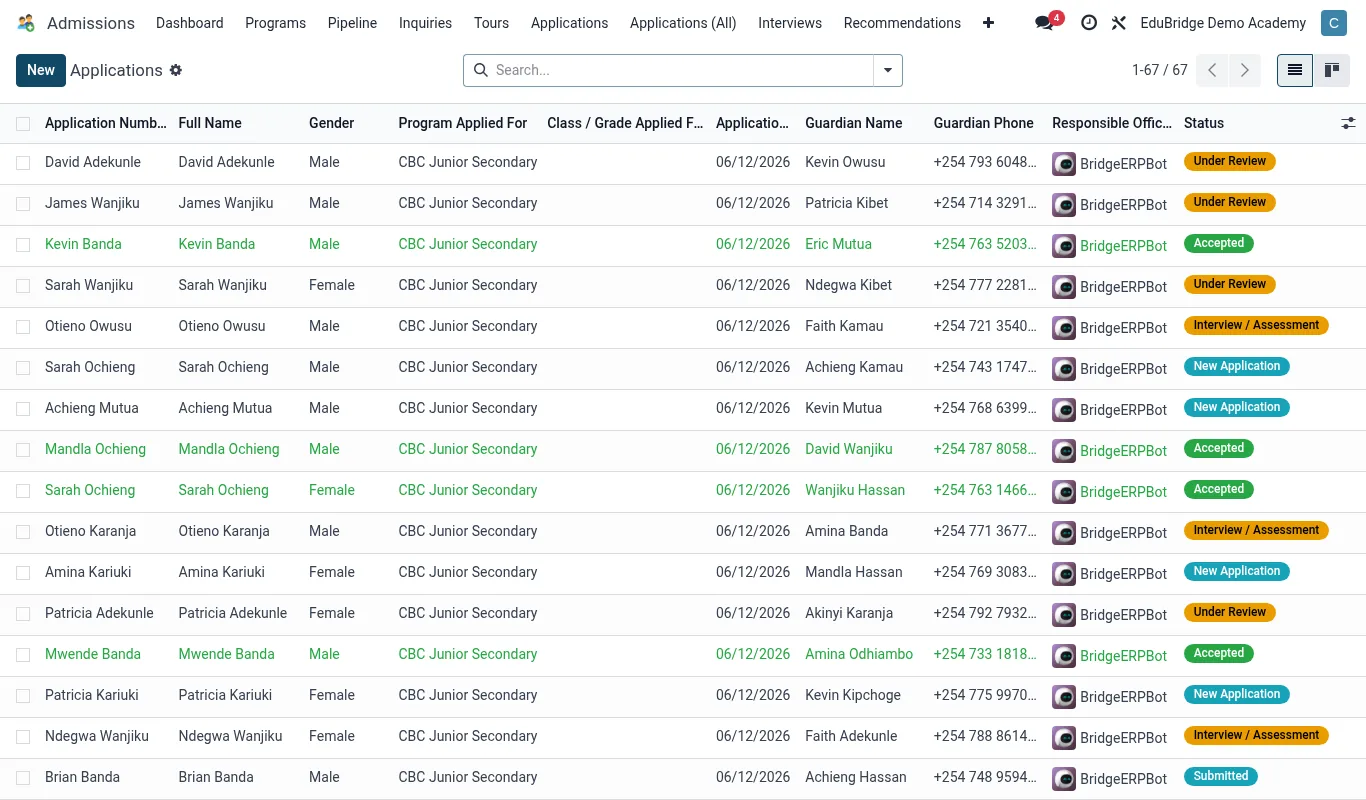
Reviewing an application
- Open EduPrime → Admissions → Applications and click the application.
- Read the submitted details: student, intended class, previous school, guardian contacts.
- Sanity-check eligibility – age band for the class, capacity in that class/stream.
- Add an internal note with your first impression and any concerns.
- Decide the next step: request documents, schedule an interview, waitlist, or decline.
The document checklist
Each application carries a checklist of required documents. Typical items:
| Document | Why |
|---|---|
| Birth certificate | Confirms identity and age. |
| Previous report cards | Academic background and placement. |
| Transfer certificate | Required when leaving another school. |
| Immunisation / health record | Health summary and safety. |
| Passport photo | Student record and ID. |
| Guardian ID | Verifies the responsible adult. |
Requesting documents
When a document is missing, mark it outstanding on the checklist and send a request to the parent from the record – EduPrime can email a list of what is still needed. Uploaded files attach directly to the application, and the checklist updates as items arrive, so you always see what is outstanding at a glance.
Declining gracefully
If an application will not proceed, mark it declined with a reason. The card leaves the active pipeline but stays in the record for reporting (so you can measure decline rates and reasons), and you can send a courteous notification to the family. Keep declined records – a child not ready this year may apply again next intake.