

Online applications
EduPrime publishes a public application form at /apply. Parents fill it in from anywhere, and each submission lands directly in the admissions pipeline as a new application – no retyping by your staff.
The public /apply form
The form is a branded, mobile-friendly page parents reach at your school's address followed by /apply (for example yourschool.eduprime.example/apply). It collects the essentials needed to start an application:
- Student name, gender and date of birth.
- Intended class / year of entry.
- Current/previous school.
- Parent/guardian name, phone and email.
- How they heard about you (feeds the source field).
- Optional document uploads – birth certificate, previous report card.
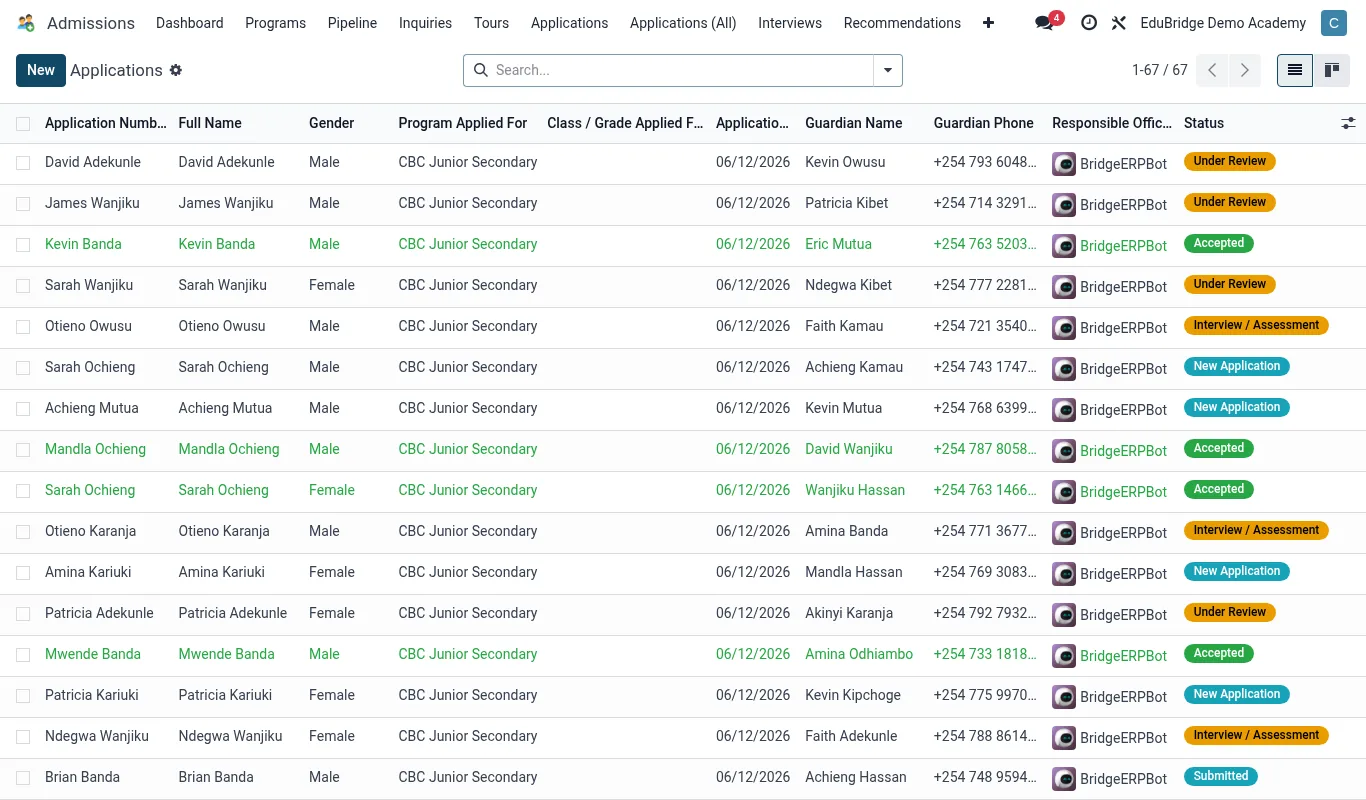
Where submissions land
Each submitted form creates an application card in the Application stage of the pipeline, with all the entered data pre-filled and any uploads attached. Open EduPrime → Admissions → Applications to see them. New submissions are flagged so the team can triage same-day.
Configuring the form
An administrator can tailor which fields appear, which are required, and whether document upload is mandatory. Keep the public form short – ask only what you need to decide whether to interview. Heavy paperwork can wait until after an offer; a long form drives parents away before they finish.
Troubleshooting
| Symptom | Likely cause |
|---|---|
| Submissions not appearing | Form not published, or pointed at the wrong intake year. |
| Duplicate applications | Parent submitted twice – merge the cards. |
| Missing uploads | File too large or wrong type – request again during review. |