

Bill members
Bill one member from their file, or bill many in one go.
Who: Any SACCO user bills; a Manager waives and cancels.
Bill one member
1Open the member and press Bill / Fine
Open the member and press Bill / Fine.
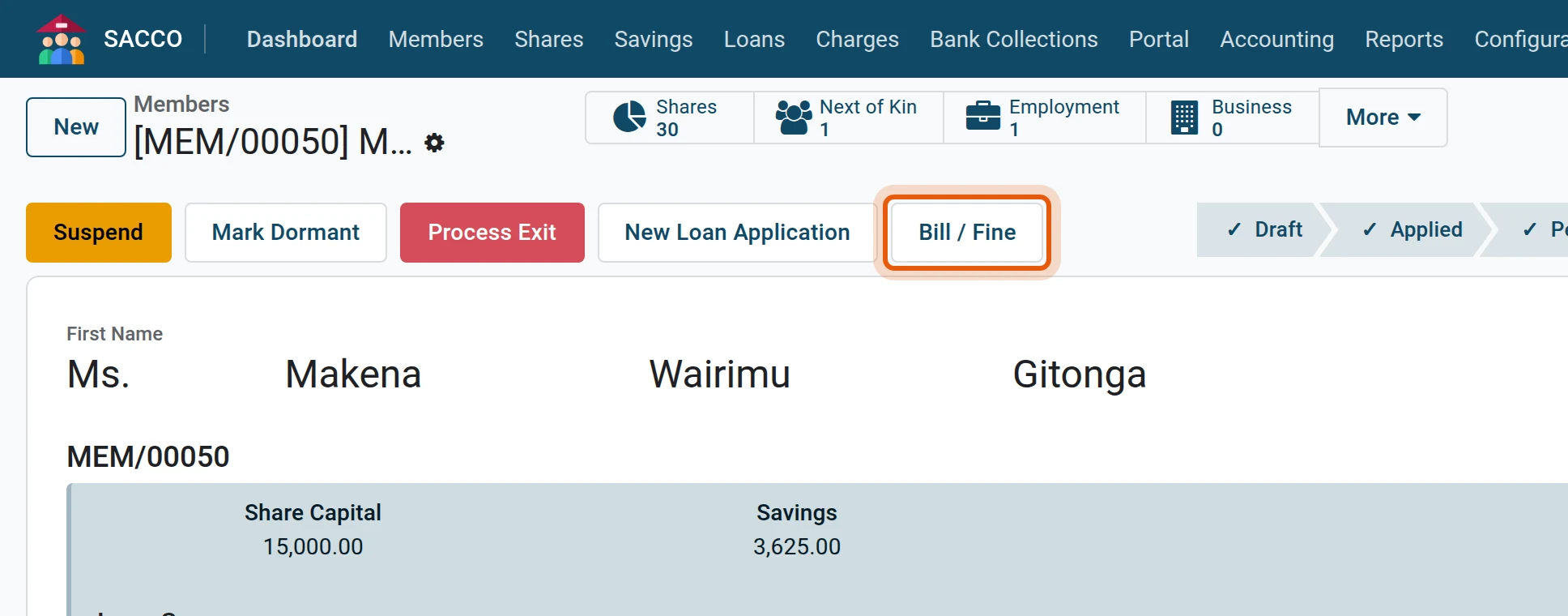
2Choose the charge, the description and the amount
The screen opens on the fine. Pick the Charge, then type the Description the member will read on the bill and the Amount. The Due Date starts as today.
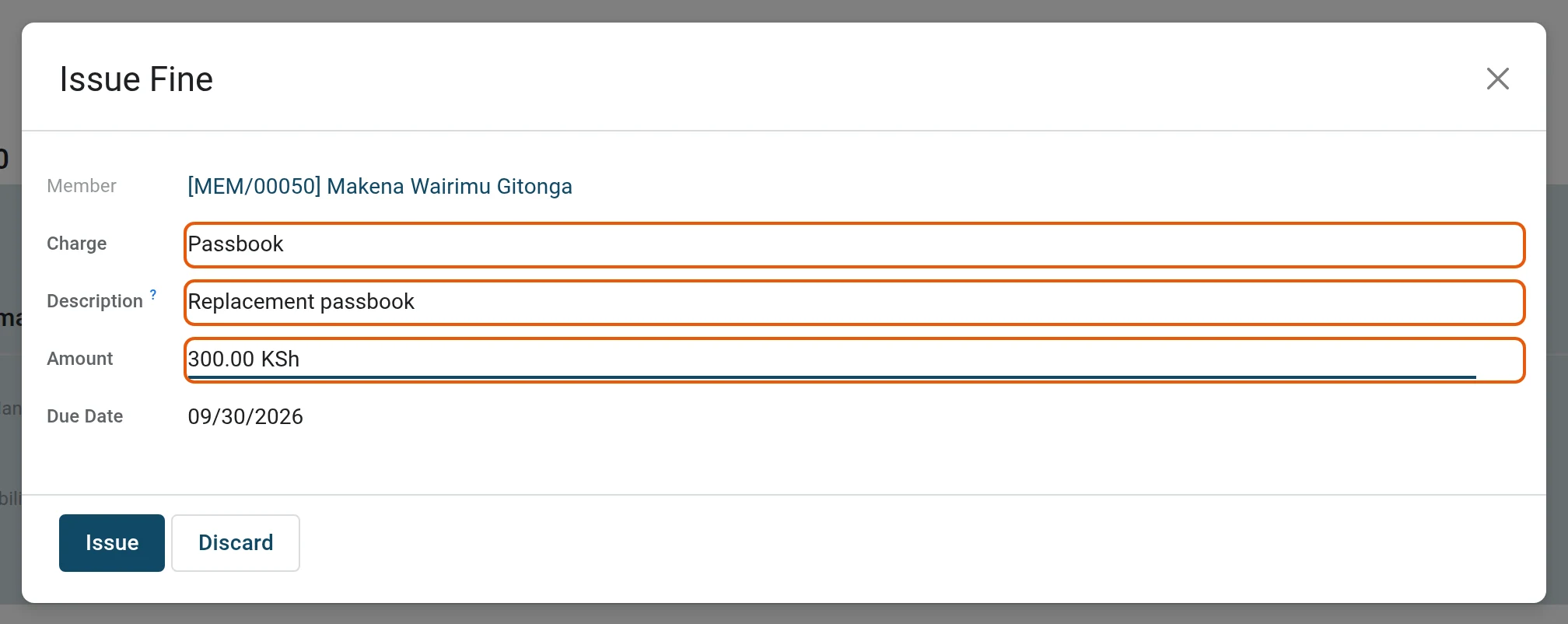
3Issue
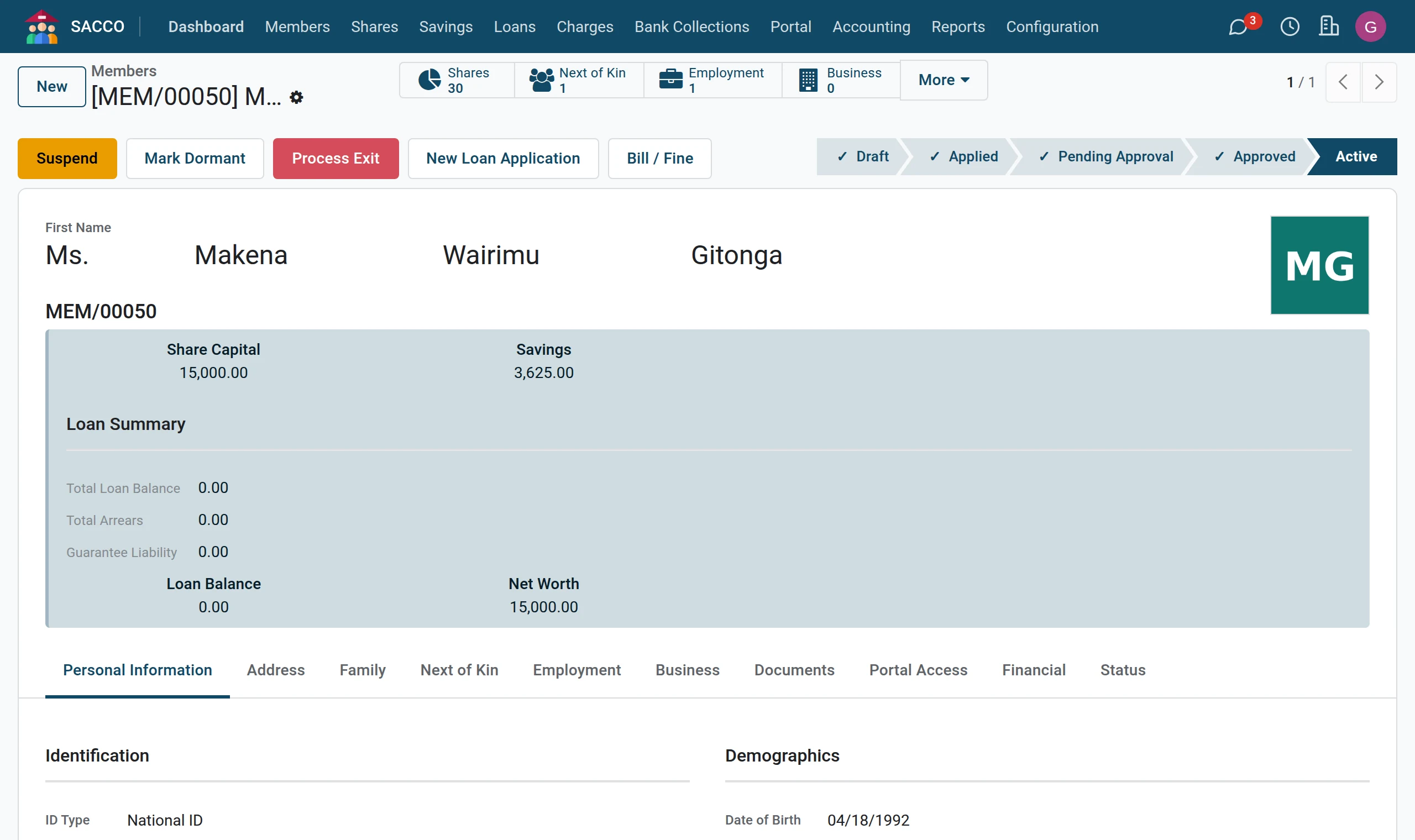
Press Issue. The bill is Unpaid at once and shows under More › Charges Due on the member.
Bill many members at once
1Open Bill Members
Open .
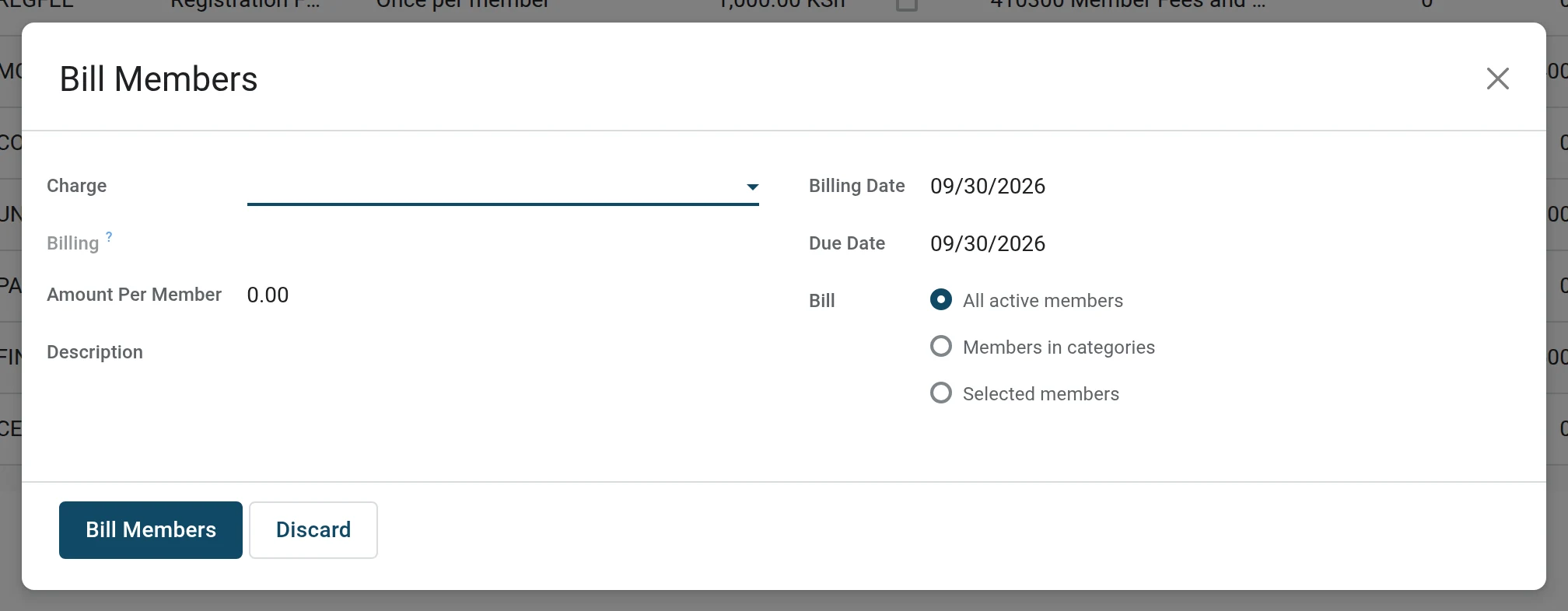
2Charge, amount and who
Pick the Charge; the amount per member and the billing come from the tariff. Type a Description for the period, set the Due Date and choose whom to bill: All active members, Members in categories or Selected members. The blue line says how many members will be billed and how many are skipped because they were already billed for this period.
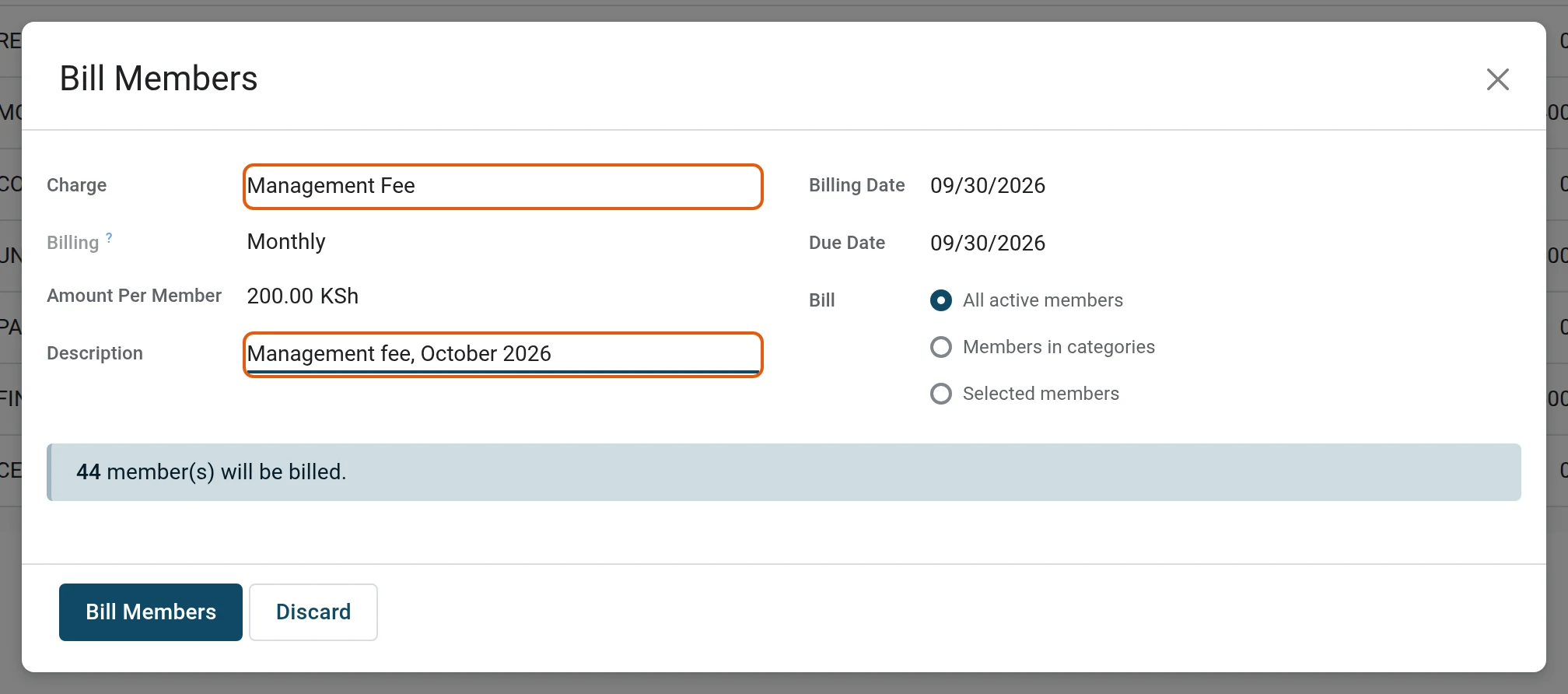
3Bill Members
Press Bill Members. One unpaid bill is created per member.
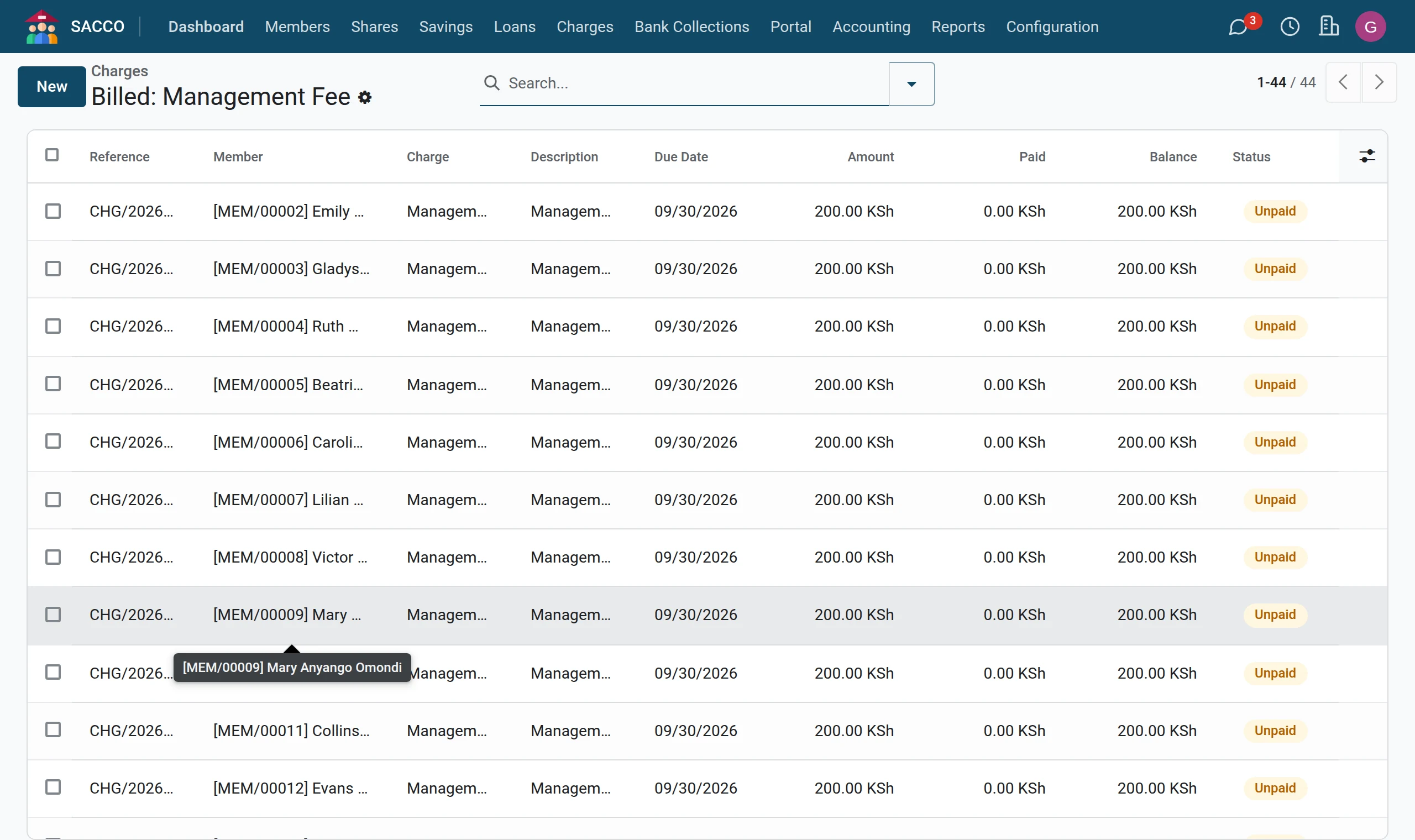
Prepare a bill without charging it yet
In press New, fill in the member, the charge, the amount and the dates, and save: the bill is a Draft. Press Confirm Bill when it becomes due.
Members order for themselves
Charges ticked Members Can Order On Portal appear on the member portal under Charges with an Order button. The order arrives as an unpaid bill with the origin Ordered on the portal (the member portal).