

Set up your charges
A charge is one line of your tariff: its name, how often it is billed, the usual amount and the income account it posts to.
Who: Manager.
The tariff
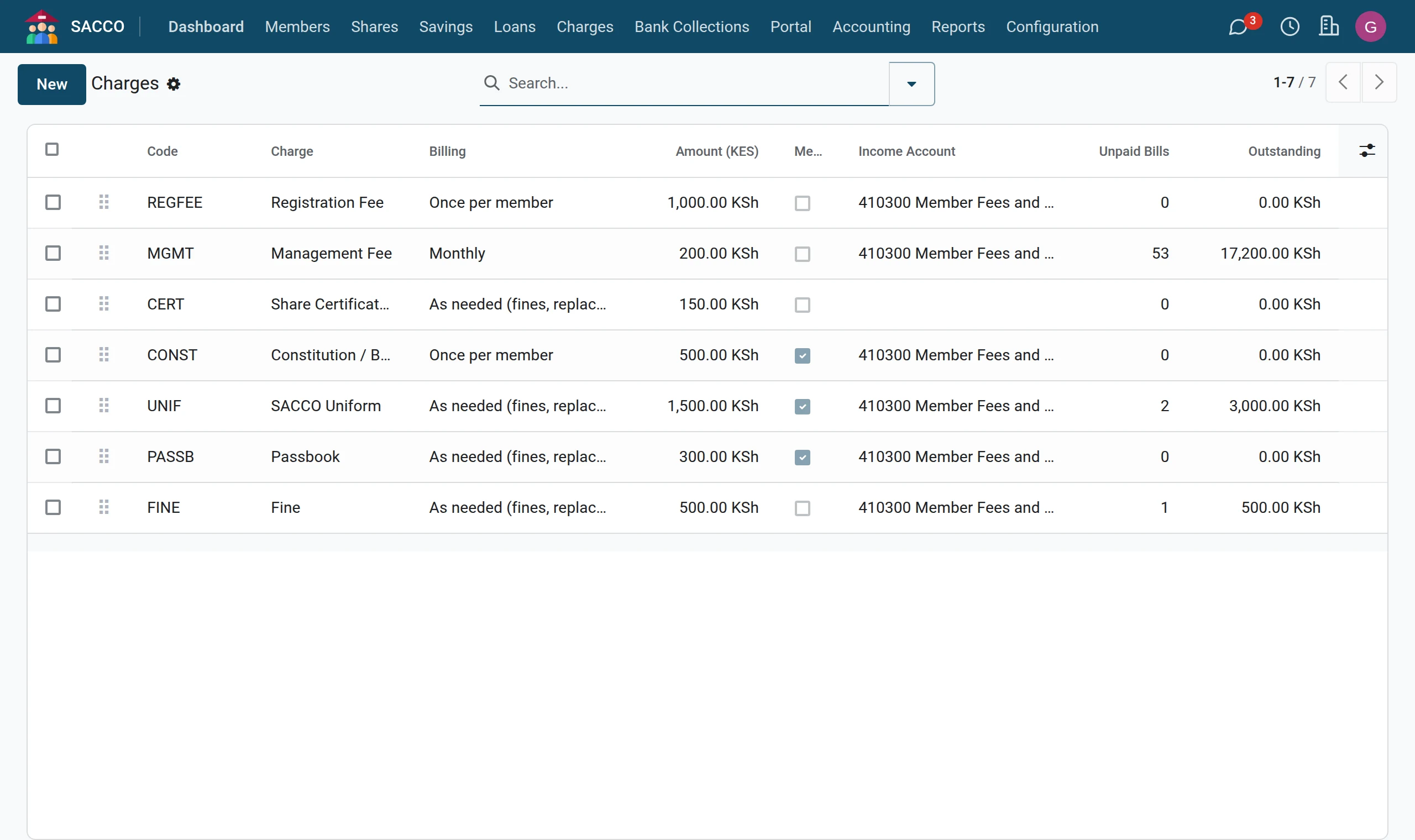
Add a charge
1Press New
Open and press New. An empty line opens at the top of the list.
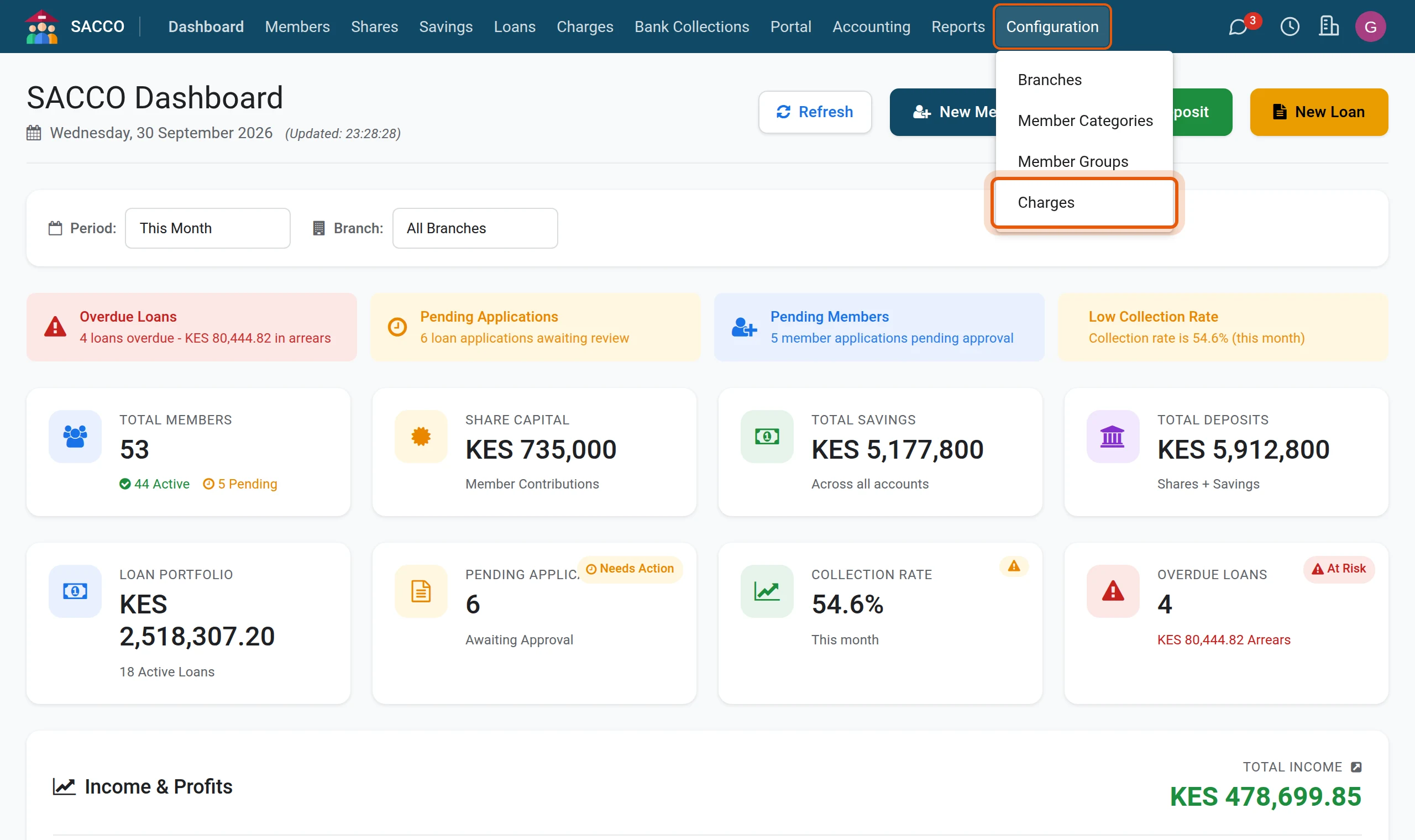
2Fill in the line
Type a short Code and the name under Charge, pick the Billing and type the usual Amount. Tick Members Can Order On Portal for things members may ask for themselves (a passbook, a statement, a uniform). Save with the cloud icon.
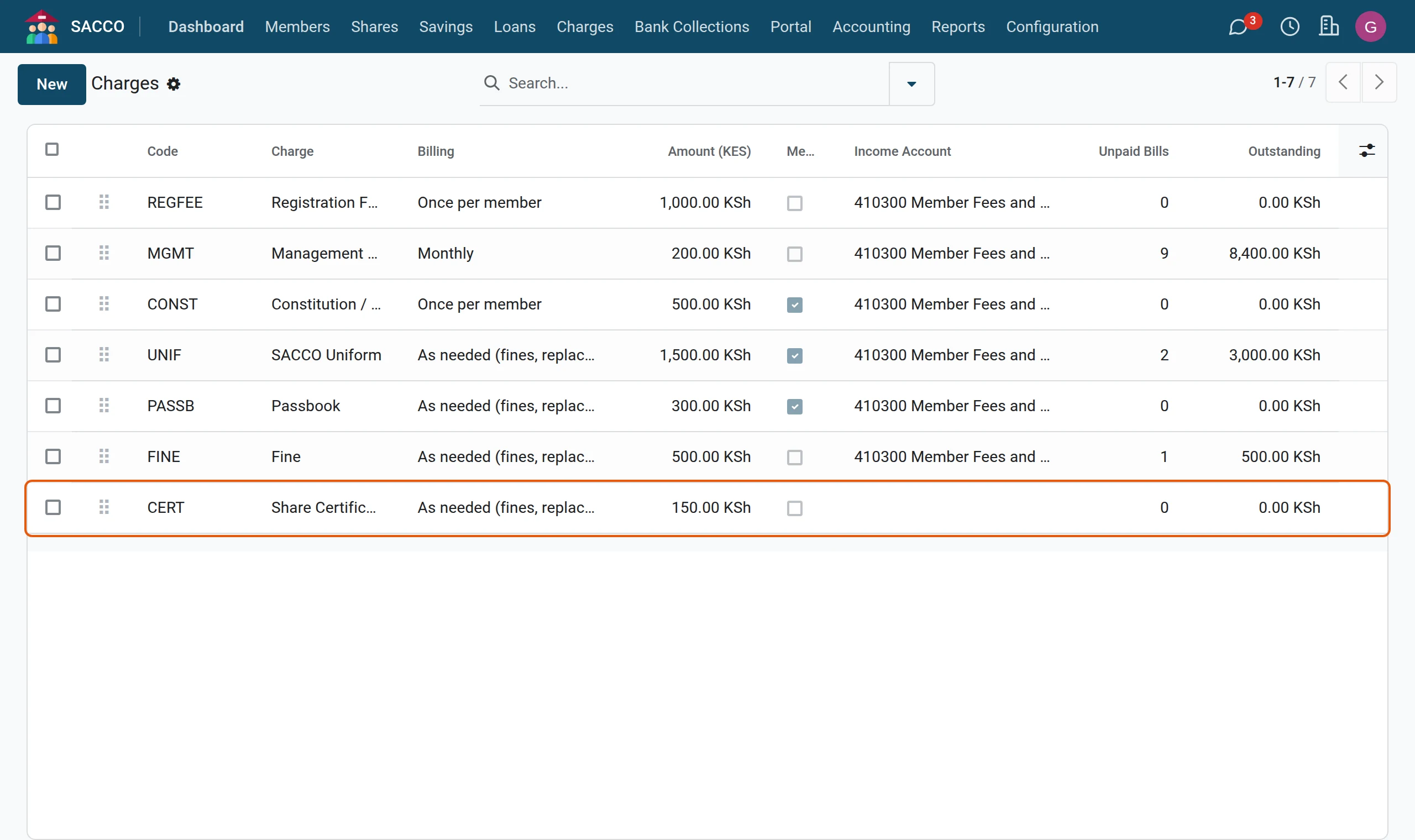
| Billing | Meaning |
|---|---|
| Once per member | Billed one time only, for example the registration fee. Bulk billing skips members already billed. |
| Monthly / Quarterly / Annual | Billed once per period. Bulk billing skips members already billed for the period. |
| As needed (fines, replacements) | Billed whenever it happens. |
With SACCO Accounting, Income Account is where the payment posts; left empty, the SACCO’s default fee income account is used.
Was this page helpful?