

Welfare & confidentiality
The welfare apps cover the most sensitive information EduPrime holds – a child's health, counselling history, special-educational needs and behaviour record. This page explains which staff can see what, and how EduPrime enforces those boundaries.
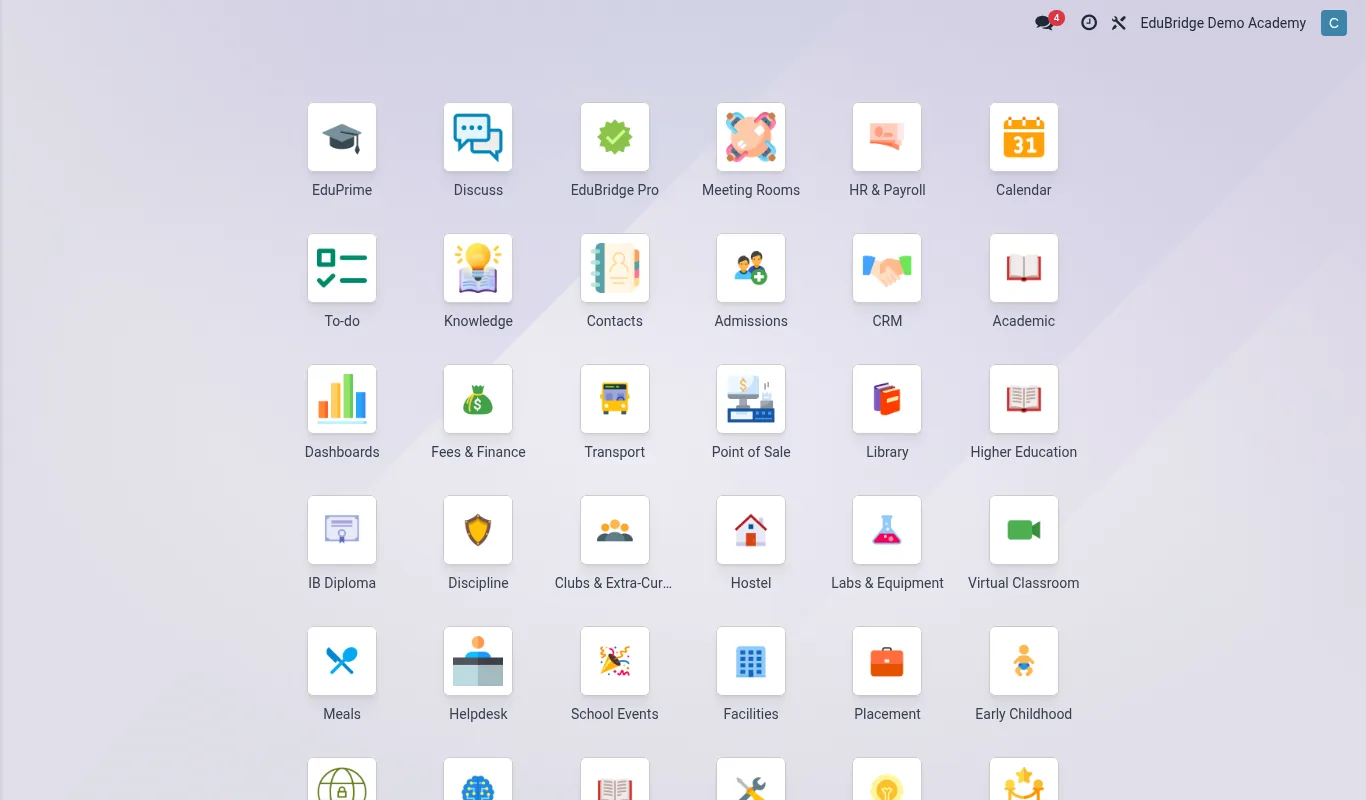
Welfare in EduPrime is delivered by four tightly-scoped apps: the School Clinic, Counselling, Special Needs and Discipline. Each writes to the student record, but each guards its data differently. The guiding rule is simple: welfare data is visible only to the people who need it to do their job, and that need is enforced by the server, not by hiding menus.
Who can see what
Access is controlled by security groups assigned in Settings → Users. A user can belong to more than one group – a boarding matron may be both a House Parent and a Clinic Nurse.
| Role | Clinic | Counselling | IEP | Discipline |
|---|---|---|---|---|
| Class teacher | Allergy/chronic flags only | No access | Accommodations only | Own class incidents |
| Nurse | Full | No access | Medical notes | No access |
| Counsellor | No access | Own cases only | Goals | Read referrals |
| SENCO | Medical summary | Read linked cases | Full | Read |
| Dean of discipline | No access | No access | Read | Full |
| Welfare admin | Full | Full | Full | Full |
Server-side record rules
EduPrime enforces confidentiality with record rules that run inside the database. When a counsellor opens the case list, the server silently filters the query to that counsellor's own cases – other cases are not hidden by a missing menu, they are simply never returned. This means the protection holds even through the portal, the mobile app, exports and the API.
Audit & data minimisation
Every welfare record carries a full change log: who created it, who edited it and when. Sensitive free-text notes are logged when read in restricted areas. When a student leaves, welfare records are retained according to your school's data-retention policy and can be archived rather than deleted so that an audit trail survives.