

Counselling case management
The Counselling app is confidential case management for school counsellors: open a case, log sessions, agree action plans and track follow-ups – visible only to the assigned counsellor and welfare administrators.
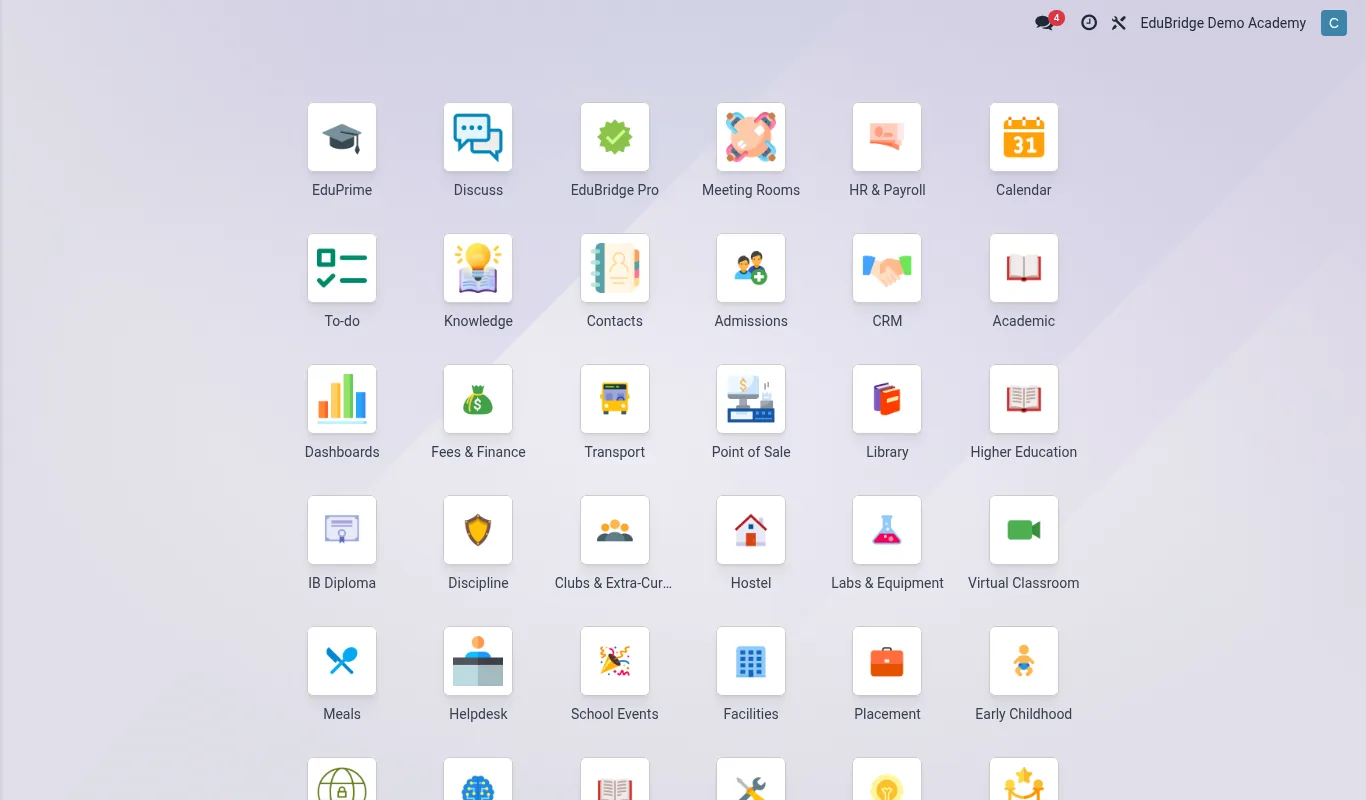
Where to find it — App drawer → Clinic → Consents.
Opening a case
A case is the container for everything to do with one student's counselling. Open it once and add sessions over time.
- Go to
Counselling → Casesand click New. - Select the Student and set the Presenting concern category – bereavement, anxiety, family, peer relationships, academic stress, behaviour.
- Assign the Counsellor. From this moment the case is visible only to that counsellor and welfare admins.
- Set Risk level and a Review date.
Sessions, action plans & follow-ups
Each meeting is logged as a session on the case.
- From the case, click Log session. Record the date, duration, attendees and confidential notes.
- Add an Action plan: specific steps, who owns them, and a target date.
- Set a Follow-up – EduPrime reminds the counsellor when the next contact is due.
| Element | Holds |
|---|---|
| Case | The whole counselling relationship |
| Session | One meeting and its notes |
| Action plan | Agreed next steps |
| Follow-up | The scheduled next contact |
Confidentiality
Counselling is the most tightly guarded welfare data in EduPrime. A record rule on the server restricts the case list to the assigned counsellor; another counsellor cannot read it even if they know the case exists. Class teachers and the discipline office have no access at all.
Important — Confidentiality has limits. If a session reveals a child is at risk of harm, the counsellor must escalate through the safeguarding path – see “Safeguarding & escalation”. Document the disclosure and the action taken; do not keep a safeguarding concern locked inside a private counselling note.
Tip — Use the risk level and review date together. A dashboard filter for “high risk, review overdue” ensures no vulnerable student slips through because a follow-up was missed.
Related pages
Was this page helpful?