

Labs & equipment
The Labs & Equipment module manages laboratory rooms, an equipment register, bookings against the timetable, and the safety and maintenance records that keep practical lessons running and compliant.
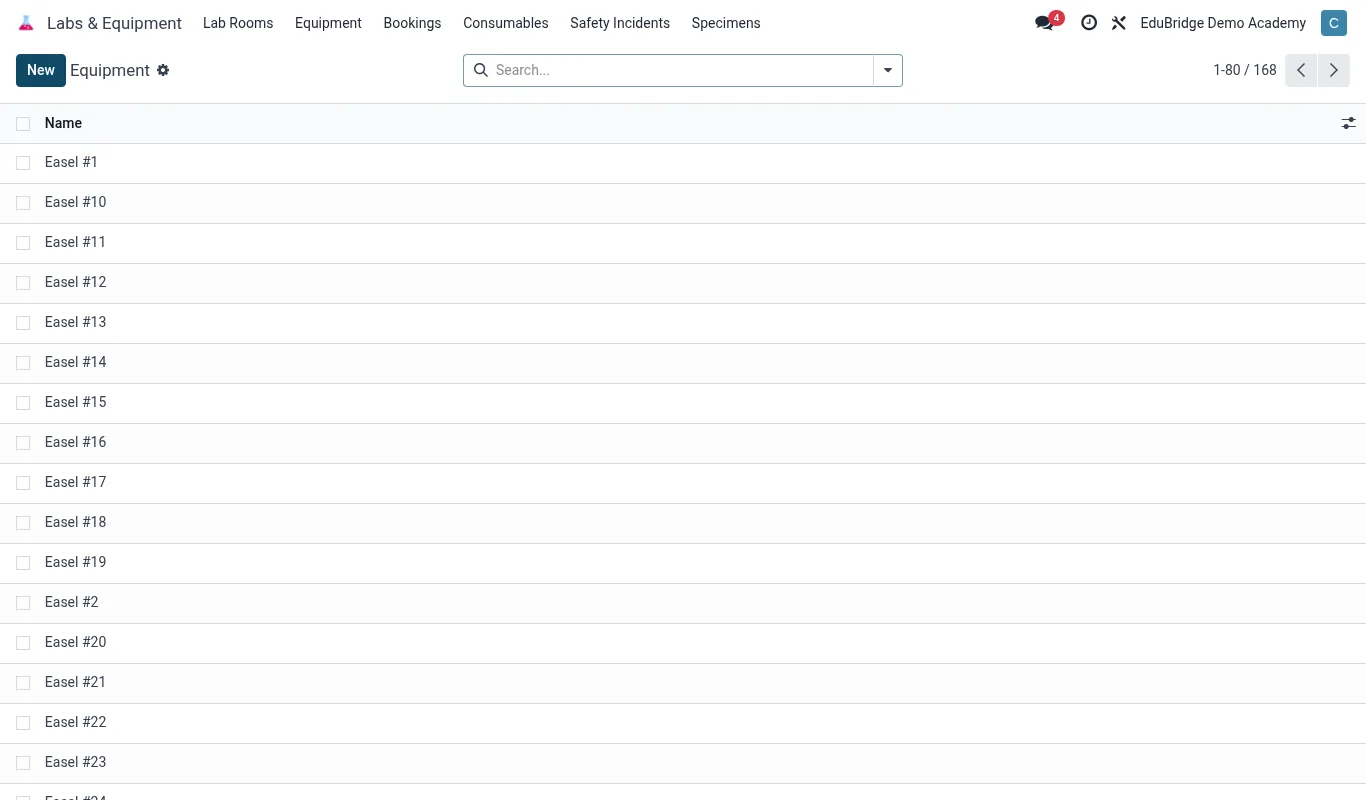
Where to find it — App drawer → Labs & Equipment → Equipment.
Lab rooms
Each laboratory is set up as a bookable room with its own capacity and rules. Open Labs → Rooms → New.
- Name the lab (Physics, Chemistry, Biology, Computer) and set its capacity.
- Record the responsible lab technician.
- Note hazards and required supervision so bookings carry the right warnings.
Equipment register
The register is the inventory of every microscope, balance, computer and consumable, with condition and location. Open Labs → Equipment.
| Field | Purpose | |
|---|---|---|
| Asset tag | Unique barcode for each item | |
| Home lab | Where the item lives | |
| Condition | Working / under repair / retired | |
| Quantity | For consumables and sets |
Bookings against the timetable
Labs are booked so two classes never clash and technicians can prepare apparatus in advance.
- Open Labs → Bookings → New.
- Pick the lab, the teacher and the class.
- Choose a slot – the system shows the timetable and blocks double-booking.
- Reserve specific equipment needed for the practical so the technician sets it up.
- Confirm; the booking shows on the lab calendar and the teacher's schedule.
Tip – Reserve consumables (reagents, specimens) on the booking. The technician then sees exactly what to prepare and stock levels are decremented, so you reorder before running out.
Safety & maintenance
Practical science carries risk; the module keeps the safety and upkeep trail.
- Maintenance schedule – service dates for balances, fume hoods and computers; overdue items are flagged.
- Safety checks – record fire-blanket, eyewash and first-aid inspections per lab.
- Incident log – record spills, breakages or injuries with follow-up owners.
Important – Do not allow a booking on a lab with overdue safety checks or on equipment marked under repair. Clear the maintenance flag first – the records exist to keep students safe, not to be worked around.
Related pages
Was this page helpful?