

Roll call & movement
Electronic roll call is the safety heartbeat of the boarding house: a fast, auditable headcount that confirms every boarder is present and accounted for, and raises the alarm the moment one is not.
Where to find it — App drawer → Hostel → Daily Ops → Roll Call History.
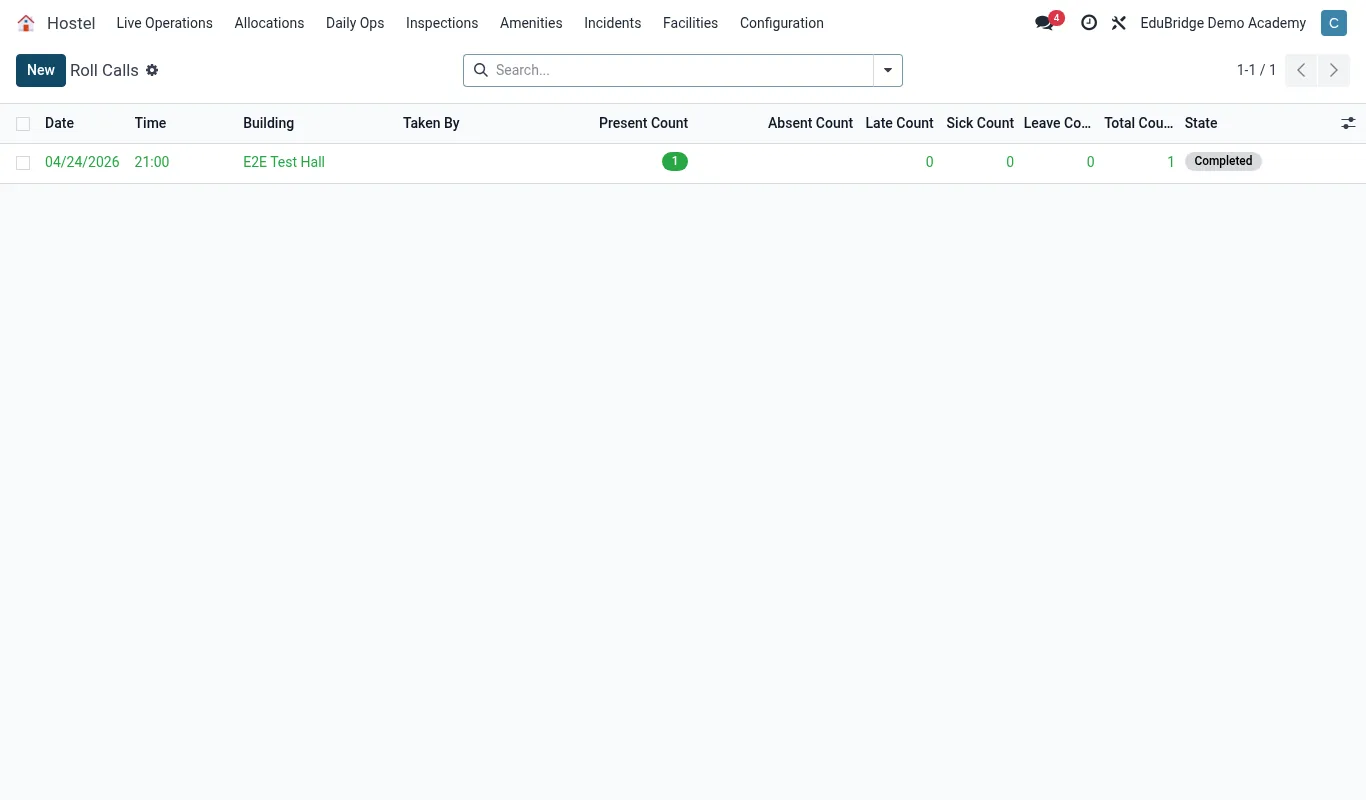
Running a roll call
Roll calls happen at set times – wake-up, evening, lights-out – and the matron runs them from a phone or tablet. Open Boarding → Roll call → New.
- Select the house (and optionally a single room).
- The expected roster loads from the current allocations.
- Mark each student Present, or scan their card; tap Absent for anyone missing.
- For an absentee, record a reason if known (on leave, in clinic, at activity).
- Submit – the count is timestamped and stored.
Headcounts & sign-in/out
Between formal roll calls, boarders sign in and out as they move around campus, so the house always knows who is where.
| Movement | Recorded as |
|---|---|
| Leaves house for class/activity | Signed out, destination noted |
| Returns to house | Signed in |
| Goes to clinic | Sign-out tagged Medical; clinic notified |
| Departs on a leave pass | Auto signed out for the pass duration |
A live occupancy board shows expected vs present at a glance, so a duty master can verify the house in seconds during a fire drill.
Missing-student alerts
The point of electronic roll call is fast escalation. When a student is marked absent without an explanation, EduPrime acts.
- The absence is flagged on the occupancy board in red.
- The house master is notified immediately.
- If still unresolved after a configurable interval, the alert escalates to the boarding manager and on-call staff.
- The guardian may be contacted per your safeguarding policy.
Tip – Run the lights-out roll call last thing every night without exception. A consistent nightly count is the record that proves due diligence in any safeguarding review.
Important – Never clear a missing-student flag without confirming the child's actual whereabouts. The flag exists to force a real check – dismissing it to tidy the screen defeats the entire safety purpose.
Related pages
Was this page helpful?