

Meals – menu cycles & dietary needs
The Meals module runs rotating menu cycles, flags every student's dietary needs and allergies, captures who actually ate, and feeds catering costs into the termly bill. This is the catering manager's operating guide.
Where to find it — App drawer → Meals → Configuration → Weekly Menu Lines.
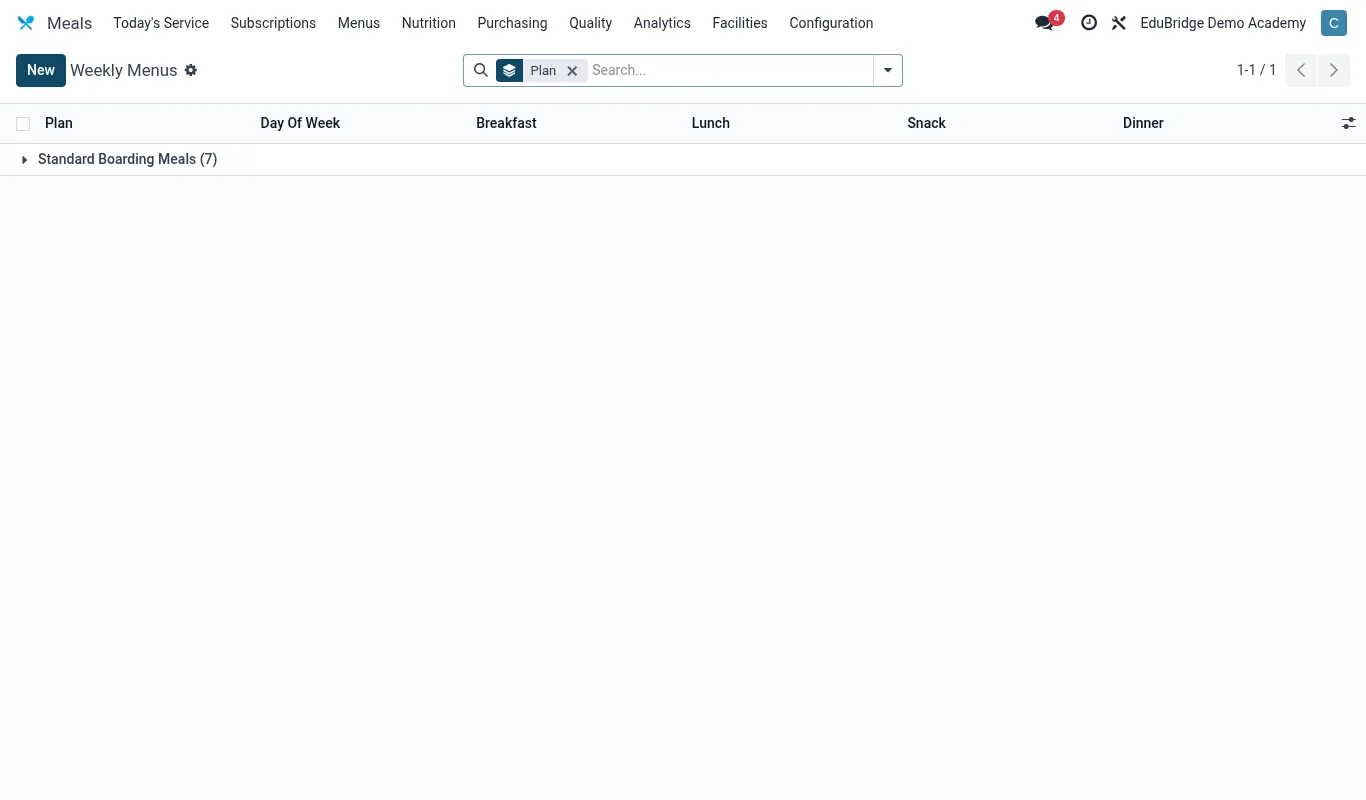
Rotating menu cycles
A menu cycle is a repeating pattern of daily menus – commonly a 2, 3 or 4-week rotation – so meals stay varied and predictable. Open Meals → Menu cycles → New.
- Set the cycle length (for example 4 weeks) and the meals per day (breakfast, lunch, supper).
- For each day, add the dishes on offer for each sitting.
- Tag dishes with attributes (vegetarian, contains nuts, contains gluten) so dietary matching works.
- Activate the cycle and set its start date; it then repeats automatically.
Dietary needs & allergies
Every student can carry dietary flags recorded on their profile and enforced at the servery.
| Flag | Effect | |
|---|---|---|
| Allergy (e.g. nuts) | Dishes containing the allergen are flagged for that student | |
| Vegetarian / halal | Only matching dishes offered | |
| Medical diet | Special plan visible to catering & matron |
Important – Allergy flags are life-safety data. When a dish on today's menu clashes with a student's allergy, the servery screen warns staff before serving. Keep allergy records current – review them at every intake and whenever a parent reports a change.
Meal attendance & billing
Capturing who ate supports headcount, waste control and accurate billing.
- At each sitting, students are checked in at the servery (card scan or roster tap).
- The count drives kitchen quantities and flags no-shows.
- Catering costs are billed per term (or per meal where you run a pay-per-meal model) and post to the student invoice like every other service.
Tip – Term meal attendance trends reveal under- or over-catering. Use them to right-size kitchen orders and cut food waste without leaving anyone short.
Tip – Boarders are billed for meals as part of the boarding package; day scholars who buy lunch can be put on a per-meal plan so they pay only for the days they eat.
Related pages
Was this page helpful?