

Programmes, courses & cohorts
A programme is the qualification a student is admitted to; courses are the credit-bearing units inside it; a cohort is a group of students moving through the programme together. Get these three right and the rest of higher education follows.
Defining a programme
Open Higher Education → Configuration → Programmes and create a new record. Each programme captures:
- Name & code – e.g. “BSc Computer Science”, code
BSC-CS. - Award type – degree, diploma, higher diploma, certificate.
- Duration – number of years / semesters.
- Total credits required – the credit threshold for the award (e.g. 120).
- Department / faculty – for reporting and access rules.
- Fee structure – linked from the Fees module so admission auto-creates invoices.
Courses and credits
Under each programme, define the courses (units / modules) a student must or may take. Each course carries:
| Field | Purpose |
|---|---|
| Course code & title | e.g. CS101 – Introduction to Programming |
| Credit value | Credits earned on passing (e.g. 3) |
| Level / year | Which year or semester it belongs to |
| Core or elective | Whether it counts toward compulsory credits |
| Prerequisites | Courses that must be passed first |
| Grading scheme | The mark-to-grade-to-grade-point mapping |
Cohorts and enrolment
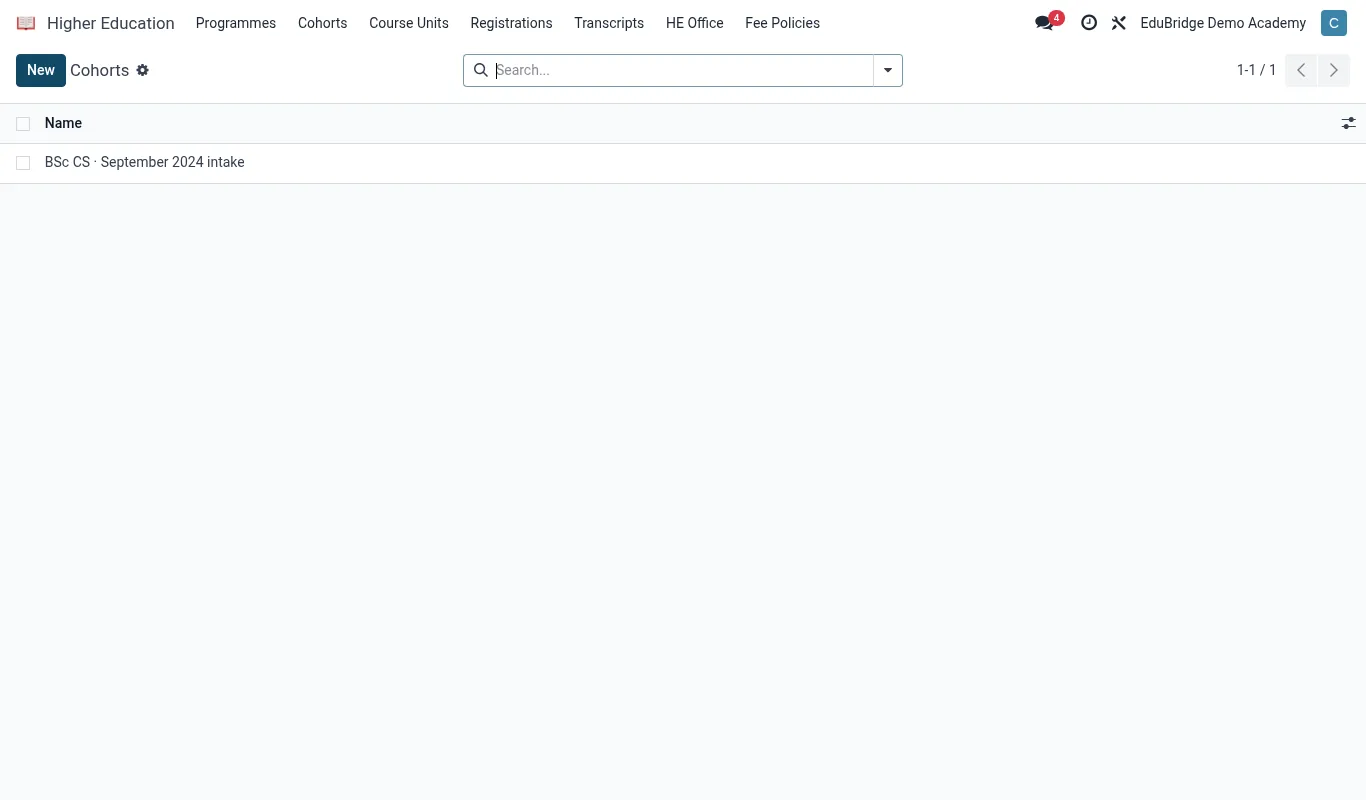
A cohort is an intake – the group admitted to a programme in a given year, e.g. “BSC-CS 2026 September intake”. To run a programme:
- Create a cohort under the programme and set its start date and expected graduation.
- Admit students into the cohort – from admissions, by import, or manually.
- For each semester, open the courses the cohort takes and let students register for them (or auto-register the core courses).
- Assign lecturers and rooms via the timetable / facilities module.
Course registration produces an enrolment line per student per course. That line is where marks, attendance and credits attach – and what the transcript reads from.
Electives and pathways
Where a programme allows choice, mark courses as elective and set a minimum elective-credit requirement on the programme. EduPrime will flag any student whose registered electives fall short of the requirement when you run the pre-graduation audit, so problems surface early rather than at the graduation board.