

Plagiarism checks
For essays, projects and other written submissions, EduPrime includes a plagiarism check that compares a submission against other learners' work, previous submissions and web sources, and reports a similarity score for staff to interpret.
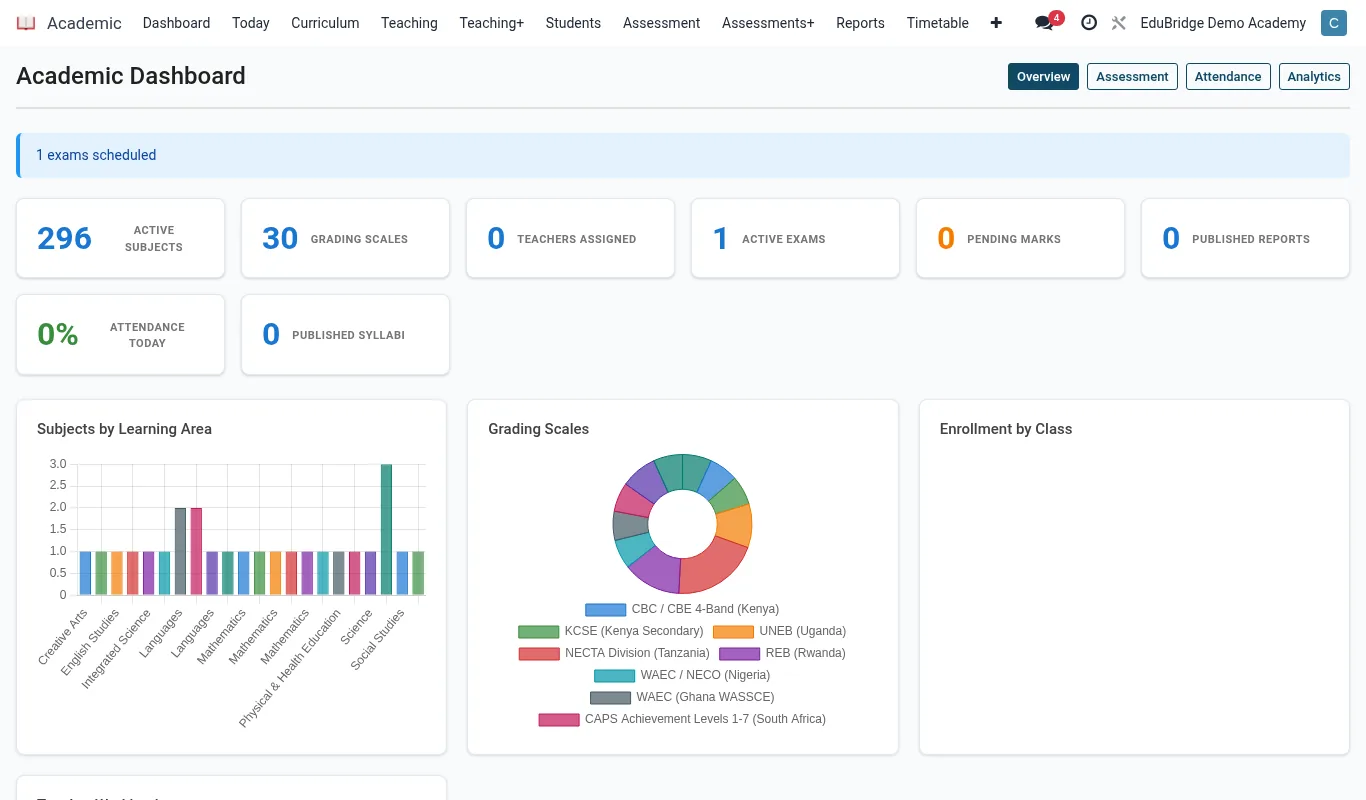
Where to find it — App drawer → Academic → Dashboard.
Running a check
Open the submission – an essay answer, an uploaded assignment, or a project – and click Check plagiarism.
- EduPrime compares the text against the configured sources: classmate submissions, the institution's archive of past work, and external web sources.
- It returns a similarity score as a percentage and a colour band.
- The report highlights each matched passage and links to the source it matched.
- You can exclude quoted material or a bibliography so legitimate citation does not inflate the score.
Interpreting similarity
A similarity score is a starting point for a human judgement, not an automatic verdict. The bands below are a guide; your school sets its own thresholds.
| Score | Band | Typical reading |
|---|---|---|
| 0–15% | Green | Normal – common phrases and proper citation |
| 16–40% | Amber | Review the matched passages in context |
| Over 40% | Red | Substantial overlap – investigate |
Important — A high score is not proof of cheating, and a low score is not proof of innocence. Always open the report and read the matched passages: a 60% score that is entirely a correctly quoted primary source is fine, while a 12% score that is the whole argument copied verbatim is not.
Taking action
From the report, staff record the outcome so there is a defensible trail.
- Clear – matches explained (citation, common terms); attach a note and proceed to marking.
- Request resubmission – minor issues; return to the learner with feedback.
- Refer – suspected malpractice; escalate to the academic integrity process with the report attached as evidence.
Tip — Run the plagiarism check before marking begins, not after. Catching an integrity issue first avoids a marker investing time grading work that may have to be set aside, and keeps the integrity decision separate from the academic mark.
The recorded outcome stays attached to the submission, so if a result is later queried the original report and the decision taken are both available.
Related pages
Was this page helpful?