

Scheduling exams & sittings
A school rarely runs one exam in isolation – it runs a whole series across a fortnight. EduPrime models this as an exam series containing many sittings, each timetabled into rooms with invigilators, while watching for the same clashes the lesson timetable does.
Where to find it — App drawer → Academic → Dashboard.
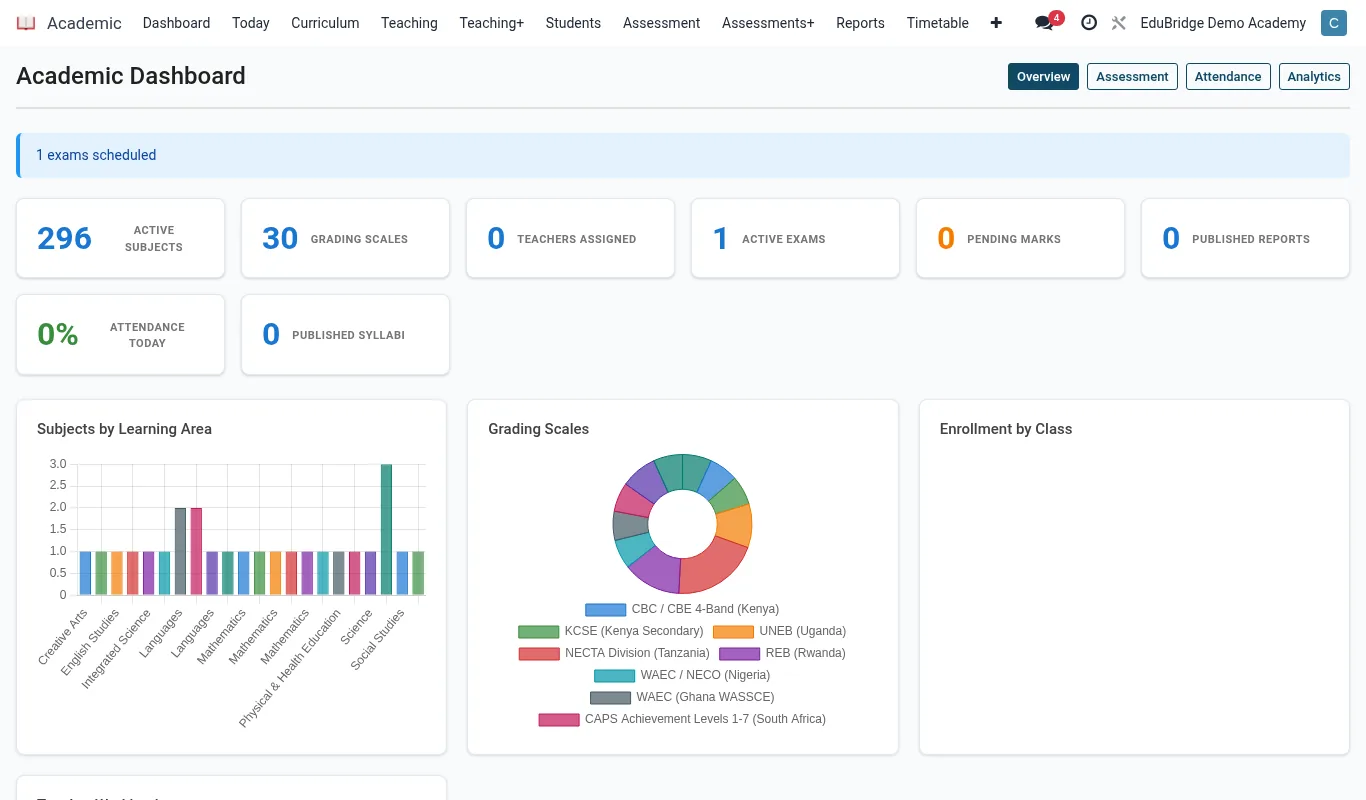
Creating an exam series
Open Assessments → Exam Series and click New. A series groups all the papers for one assessment window – for example Term 2 End-of-Term, Form 3.
- Name the series and set its start and end dates.
- Choose the term and the classes it covers, so released results post to the right gradebook columns.
- Set whether sittings default to paper or online.
Timetabling sittings
Each subject paper is a sitting within the series. Add one per paper and place it on the calendar.
- Under the series, click Add sitting and choose the subject and paper.
- Set the date, start time and duration.
- Assign one or more rooms; EduPrime checks each room's capacity against the number of candidates.
- Assign invigilators from staff; the system warns if a teacher is invigilating their own subject where your policy forbids it.
| Sitting field | Why it matters | |
|---|---|---|
| Room capacity | Prevents over-filling a hall beyond safe seating | |
| Duration | Drives the countdown timer on online sittings | |
| Invigilators | Produces the duty roster and signature sheet |
Important — EduPrime flags a clash if a candidate is timetabled for two sittings at the same time, or a room or invigilator is double-booked. Resolve every clash before publishing the exam timetable, exactly as with the lesson timetable.
Publishing the exam timetable
When the series is clash-free, click Publish. EduPrime produces the candidate exam timetable (visible in the portal), the room seating lists, and the invigilation roster for staff.
Tip — Generate seating lists after the final candidate entries are confirmed. If you add late entries afterwards, re-publish so the seating list and room capacity check include them – otherwise a candidate may arrive to find no seat assigned.
Related pages
Was this page helpful?