

Examinations overview
The Examinations app – shown in the menu as Assessments – manages the full life of a formal assessment: scheduling it, building it from a question bank, delivering it on paper or online, marking and moderating, and releasing results that flow straight into the gradebook.
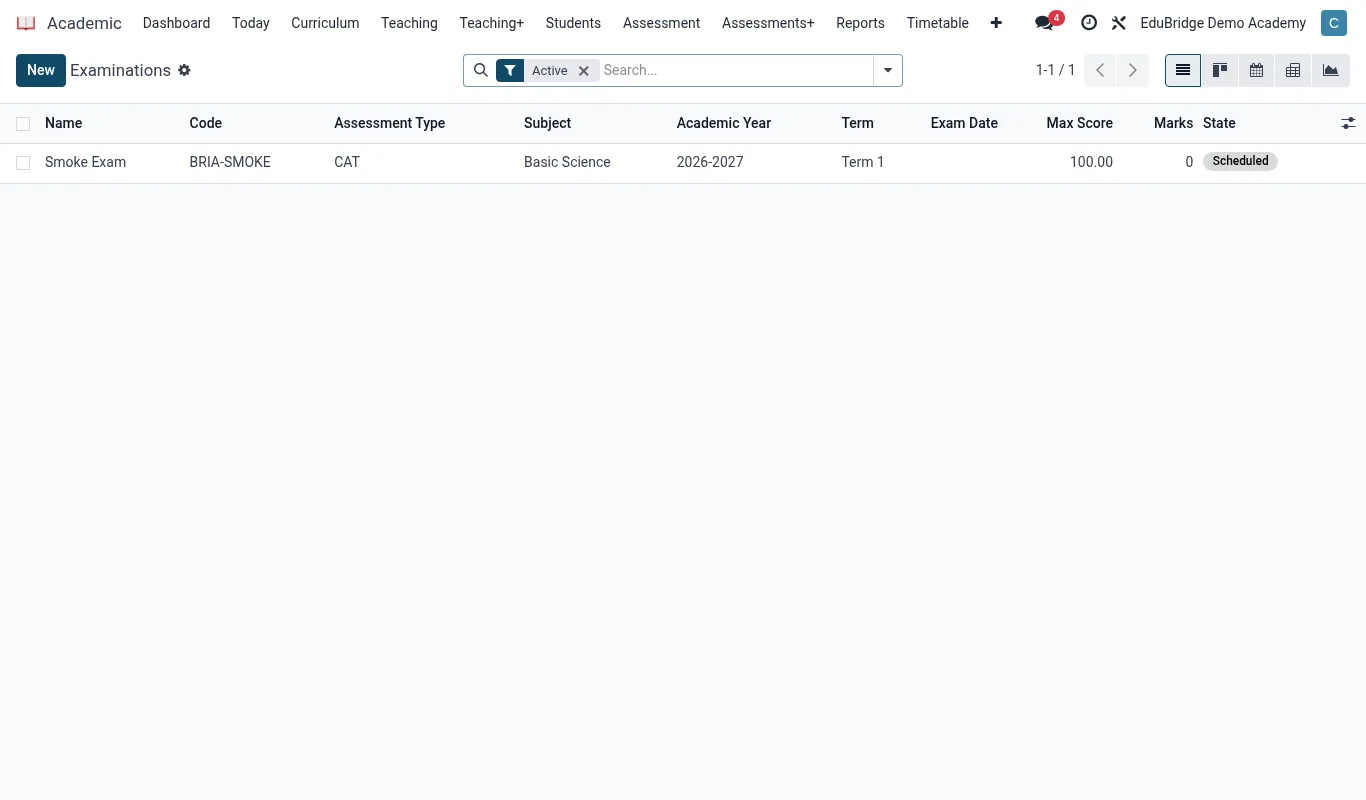
The assessment lifecycle
Every assessment moves through the same stages, and the dashboard colour-codes each one so an exams officer can see at a glance what needs attention.
| Stage | What happens | Owner |
|---|---|---|
| Schedule | Exam series and sittings timetabled, rooms and invigilators assigned | Exams officer |
| Assemble | Paper built from the question bank, manually or auto-sampled | Subject lead |
| Deliver | Sat on paper or online, optionally proctored | Invigilator / system |
| Mark | Scripts marked; auto-marked for online objective items | Markers |
| Moderate | Marks reviewed and adjusted for consistency | Head of department |
| Release | Results pushed to the gradebook and portal | Exams officer |
How it connects to the gradebook
The Examinations app does not keep grades in isolation. When results are released, each learner's exam mark posts to the matching subject and term column in the Academic gradebook, where it combines with continuous assessment under the configured weighting. This is why an exam result eventually appears on the report card without anyone re-typing it.
Paper and online side by side
EduPrime treats paper and online assessments with one workflow. A paper exam is scheduled, assembled, printed, sat, then marked and the marks keyed in. An online exam follows the same stages but is delivered in the browser with timing, randomisation and proctoring, and objective items are auto-marked. Both end at the same place – released results in the gradebook.
The following pages walk through each stage in order, starting with scheduling.