

Marking, moderation & results
Once an exam is sat, scripts are marked, marks are moderated for fairness and consistency, and finally results are released into the gradebook. This page covers the marking screen, moderation, releasing results, and handling re-marks.
Marking
Open Assessments → Marking and pick the sitting. EduPrime presents scripts against the mark scheme produced when the paper was finalised.
- For online objective items, marks are already in – you only mark the essay and short-answer parts.
- For each script, enter the mark per question; the mark scheme and rubric show beside the answer.
- EduPrime totals the script and flags any question left unmarked so nothing is missed.
- Where versions were used, confirm the version code so the correct key is applied.
Moderation
Moderation checks that marking was consistent before anything is released. The head of department reviews the spread of marks and can adjust.
| Moderation action | Effect | |
|---|---|---|
| Sample re-mark | Re-check a sample of scripts against the scheme | |
| Scaling | Shift a marker's marks to align with others | |
| Boundary review | Adjust grade boundaries for an unusually hard paper |
Releasing results to the gradebook
When marking and moderation are complete, the exams officer clicks Release. EduPrime then:
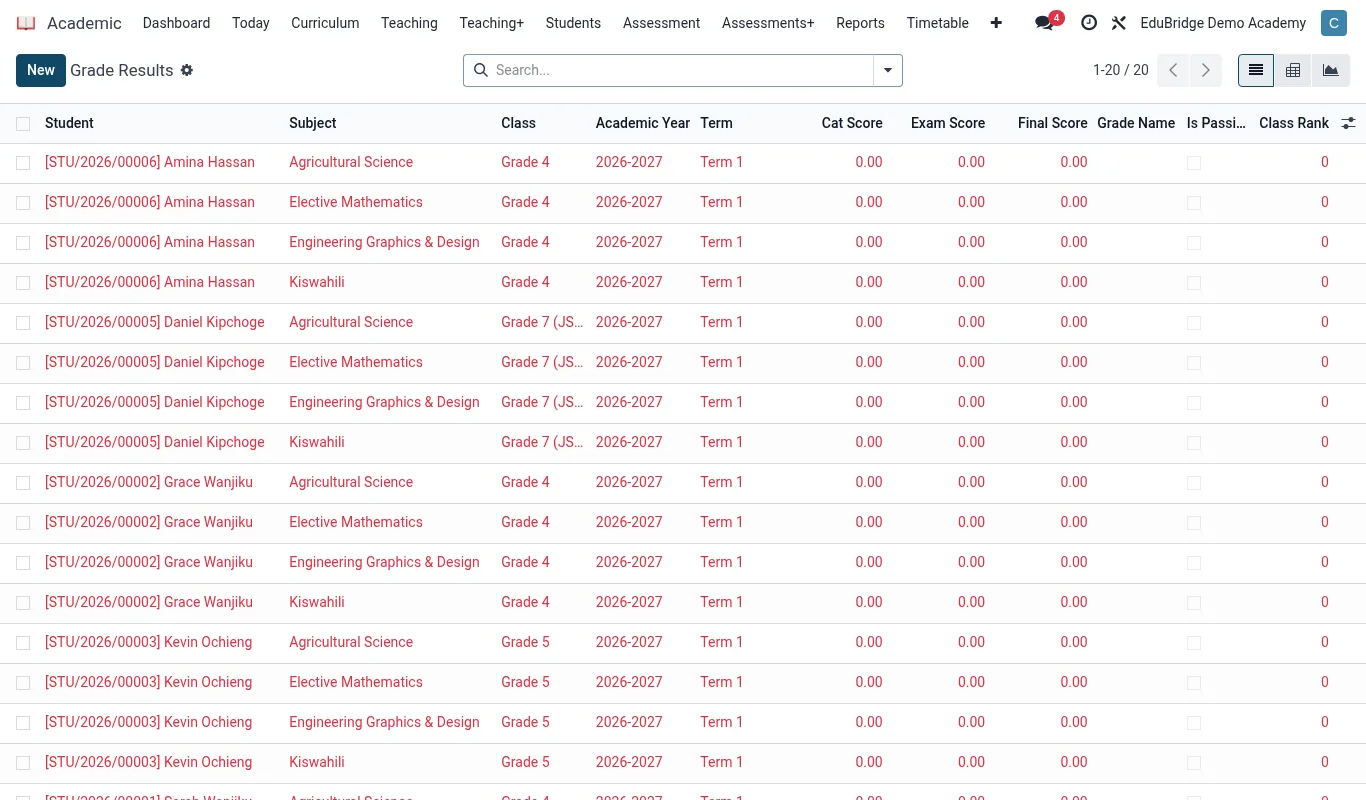
- Posts each candidate's exam mark to the matching subject and term column in the Academic gradebook.
- Combines it with continuous assessment under the configured weighting.
- Makes the result visible in the learner and parent portal.
Re-marks and appeals
If a candidate queries a result, raise a re-mark from the released result. The script returns to a marker who re-checks against the scheme; if the mark changes, EduPrime updates the gradebook and logs the revision with a reason. The original and revised marks are both retained for audit.