

Classes, forms, streams & houses
This page defines the structure students are organised into — the classes (or forms/grades), the streams within them, the teacher who owns each class, and the boarding houses for residential learners.
Classes, forms & grades
A class is the main grouping a student belongs to for a year — Grade 4, Form 2, Year 9, Semester cohort, and so on. Open Academic → Configuration → Classes.
- Click New.
- Enter the class name and, where used, a short code.
- Choose the curriculum/programme this class follows (CBC, Cambridge, IB, etc.) so the right subjects and grading apply.
- Set the capacity — the maximum learners the class can hold.
- Assign the class teacher (form teacher) responsible for it.
- Save.
| Field | Meaning |
|---|---|
| Capacity | Maximum enrolment; EduPrime warns when you exceed it during admission |
| Class teacher | Owns attendance, the class register and parent communication for that class |
| Programme | Drives which subjects and grading scale the class uses |
| Academic year | The year this class instance belongs to |
Streams & sections
Where a class is large, divide it into streams (also called sections or arms) — for example Form 2 East / Form 2 West, or Grade 4 Blue / Grade 4 Green.
- On the class, open the Streams tab.
- Add a line per stream with its name and, optionally, its own capacity and stream teacher.
- Save. Students are then admitted into a specific stream within the class.
Boarding houses
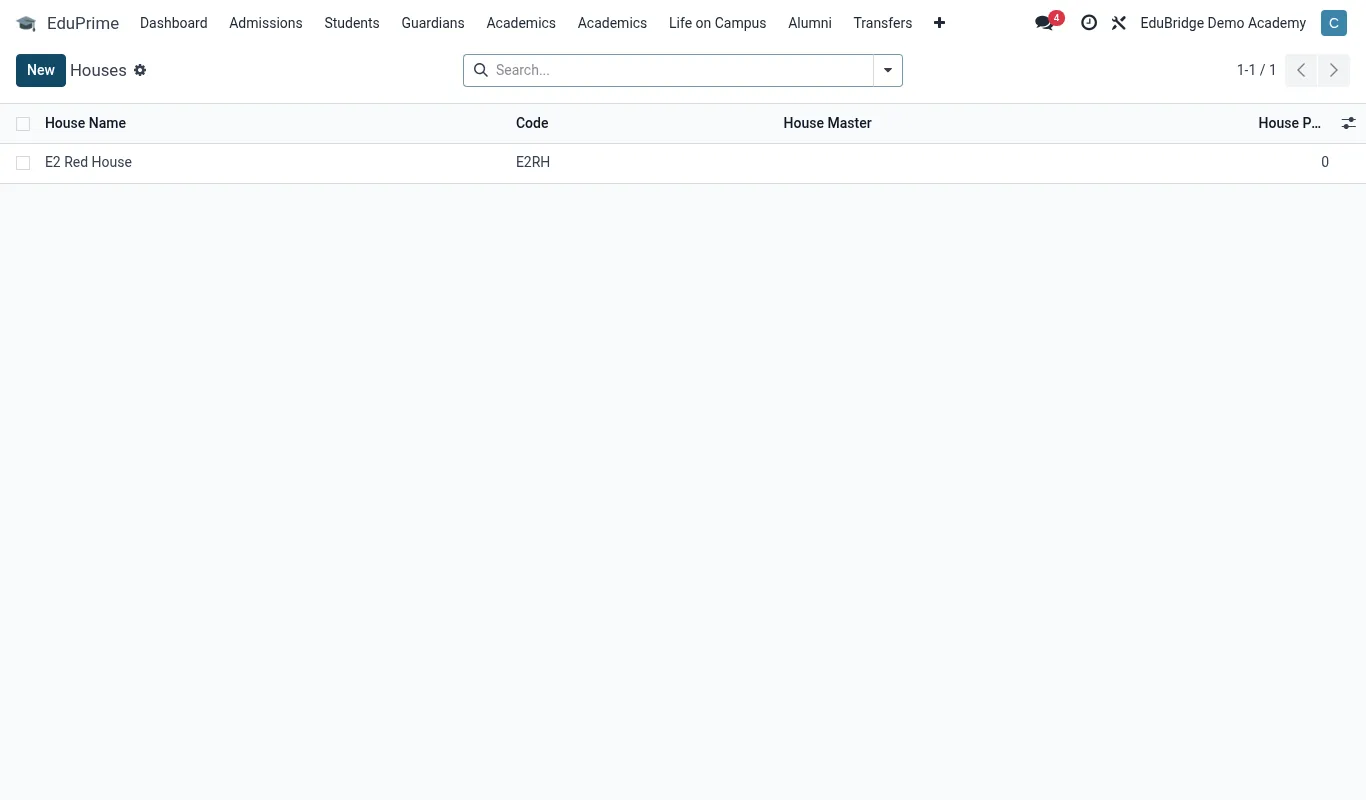
For residential schools, houses group boarders for pastoral care and competitions. They are configured in the Hostel app and linked to the same student record.
- Open Hostel → Configuration → Houses (or Hostels/Dormitories).
- Create each house with a name, house master/matron and capacity.
- Define rooms and beds within the house so allocations track bed-level occupancy.
Promotion at year-end
When the year rolls over, students move up a class. EduPrime supports promoting a whole class or stream to the next level in one action.
- Create next year's classes and streams first.
- Use the promotion tool on the outgoing class to move learners into the corresponding new class.
- Handle exceptions individually — repeaters stay, leavers are archived, new admissions are added.
Because promotion references the single student record, a learner's full history stays intact and continues to appear on one transcript.