

Circulation – issue & return
Circulation is the daily heartbeat of the library: issuing copies to borrowers, taking them back, and renewing loans. EduPrime supports both a staffed desk and unattended student self-checkout.
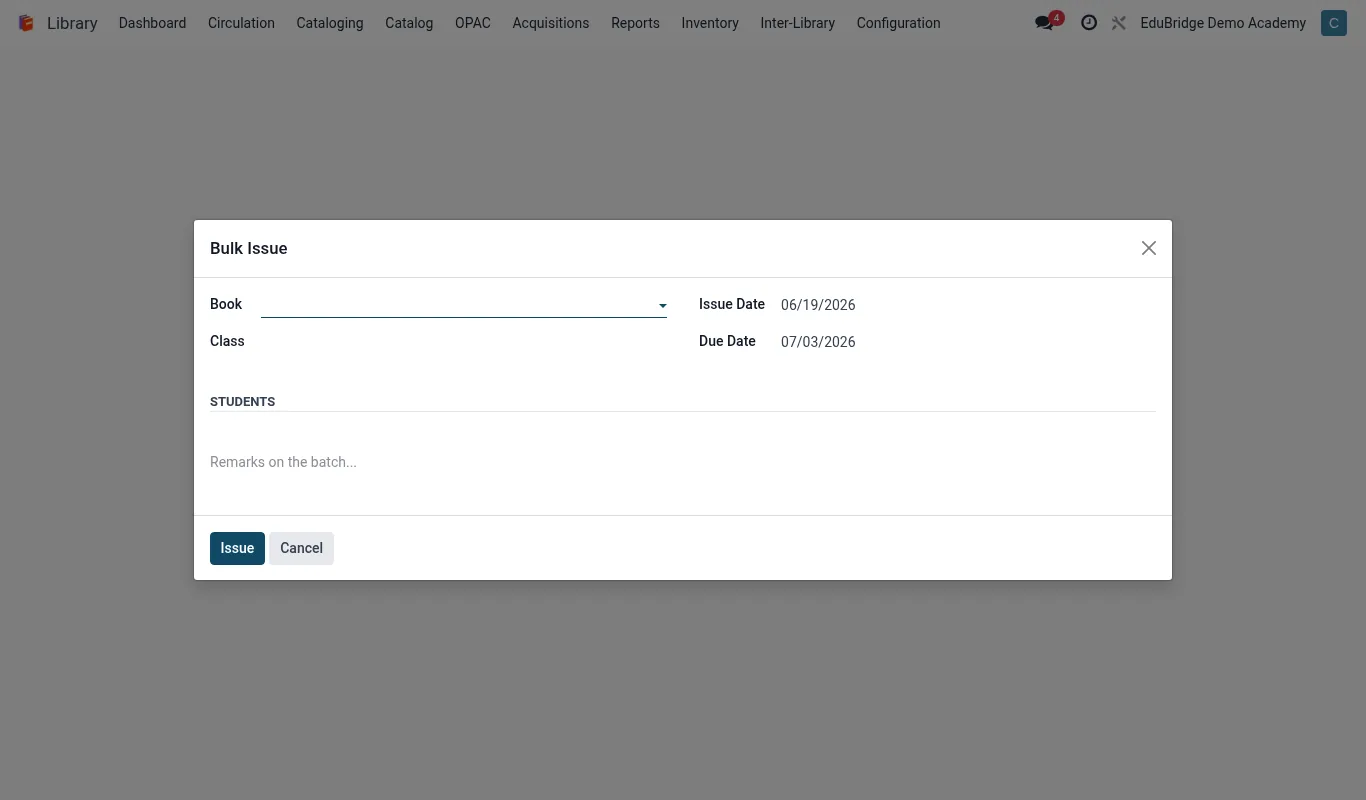
Where to find it — App drawer → Library → Circulation → Bulk Issue.
The circulation desk
Open Circulation → Desk. The desk is a single scan-driven screen built for speed.
Issuing a book
- Scan the borrower's ID card (or type their name). Their photo, category and current loans appear.
- Scan each copy barcode. The due date is calculated automatically from the borrower category.
- The screen blocks the loan if the borrower is over their item limit or has unpaid fines above the threshold.
- Hand over the books – the loan is recorded instantly, no save button needed.
| Borrower | Loan period | Due date shown |
|---|---|---|
| Junior student | 7 days | Issue date + 7 |
| Senior student | 14 days | Issue date + 14 |
| Staff | 30 days | Issue date + 30 |
Returning a book
- Switch the desk to Return mode (or just scan a copy that is on loan – the desk detects it).
- Scan each returned copy. The loan closes and the copy returns to Available.
- If the copy is overdue, the fine is calculated and posted to the student statement automatically.
- If the copy has a waiting hold, the desk prompts you to set it aside on the reservation shelf.
Renewals
Borrowers can renew from the OPAC themselves, or staff renew at the desk. Find the loan, click Renew, and the due date extends by another loan period. A renewal is refused when the renewal count is exhausted or another borrower has placed a hold on that title.
Student self-checkout
The self-checkout station lets students borrow without staff. Set up a dedicated tablet or kiosk in self-checkout mode.
- The student logs in by scanning their own ID card.
- They scan each book; the screen shows the due date and confirms.
- They tap Finish and a receipt (or portal notification) lists what they borrowed and when it is due.
Tip – Self-checkout obeys exactly the same limits and fines rules as the staffed desk, so a student over their quota or with outstanding fines is gently turned back to the desk.
Important – Self-checkout cannot process returns through a security gate – books should still be dropped at a return point so worn or damaged copies get inspected before going back on the shelf.
Related pages
Was this page helpful?