

Facilities & maintenance
The Facilities module manages the physical estate – rooms, assets and equipment, maintenance requests, and room booking that respects the teaching timetable so a lecture hall is never double-booked.
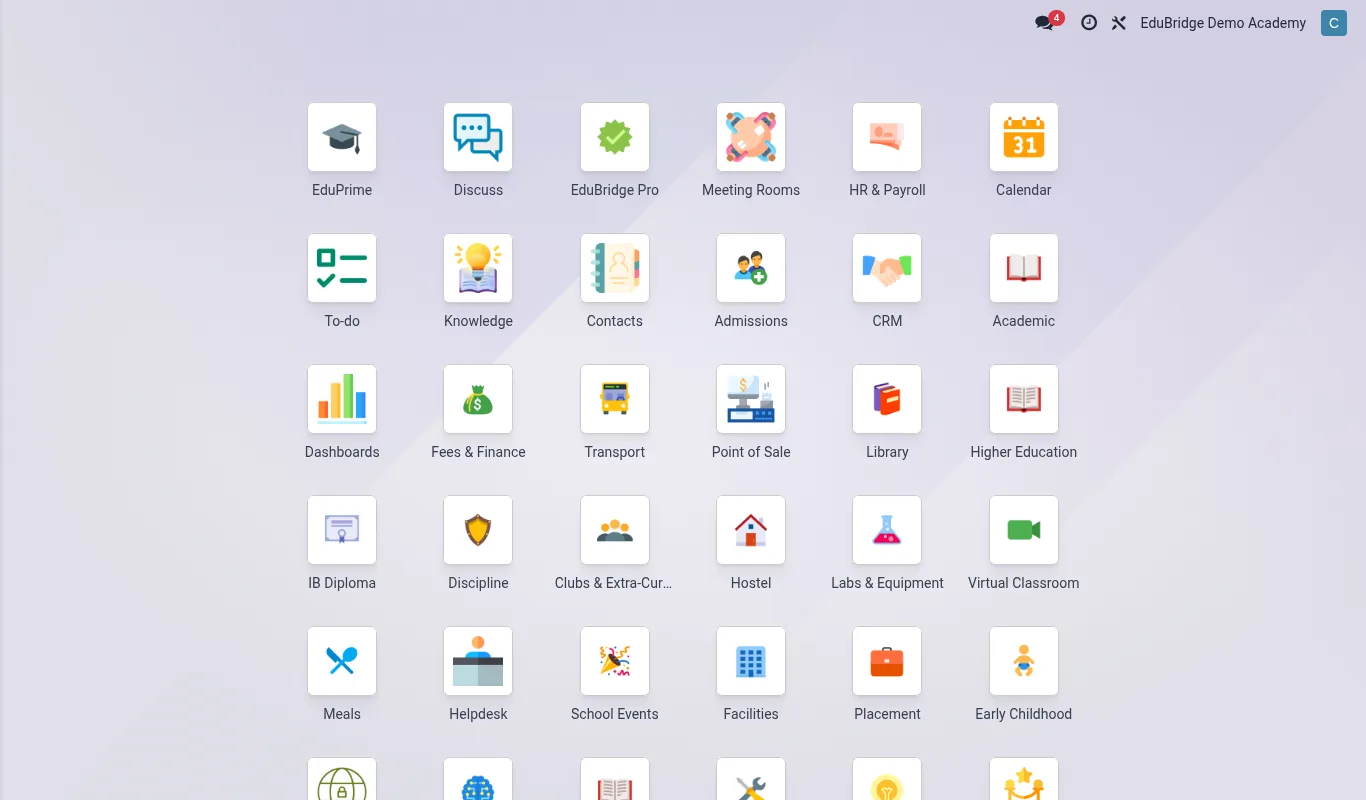
Rooms & assets
Model the campus under Facilities → Locations: buildings, floors and rooms, each with a type (lecture hall, lab, library, hostel, office), capacity, and the equipment it contains. Assets – projectors, lab equipment, vehicles, furniture – are registered with a tag, location, purchase date, warranty and condition. Linking assets to rooms means you always know what equipment is where.
Maintenance requests
Maintenance runs as a request-to-resolution workflow:
- Any staff member raises a maintenance request – a broken projector, a leaking tap – against the room or asset.
- The request enters the maintenance team’s queue with a priority.
- A technician is assigned; the request moves through new → in progress → repaired → closed.
- Preventive maintenance can be scheduled on assets (e.g. quarterly generator service) so jobs are created automatically before something fails.
Room booking vs the timetable
Rooms serve two masters: the recurring teaching timetable and one-off bookings (a staff meeting, an exam, an external event). EduPrime reconciles both against one calendar per room.
| Use | Source | Priority |
|---|---|---|
| Lectures & labs | Academic timetable | Reserved first |
| Exams | Exam scheduler | Can override teaching with approval |
| Meetings / events | Room booking | Only in free slots |
When someone tries to book a room, EduPrime checks it against the timetable and existing bookings and refuses a clash – it offers the next free slot or an alternative room of the right type and capacity instead.