

Troubleshooting
Quick fixes for the problems most often raised with support. Find your symptom, apply the fix, and escalate only if it persists.
Where to find it — App drawer → EduPrime → Transfers.
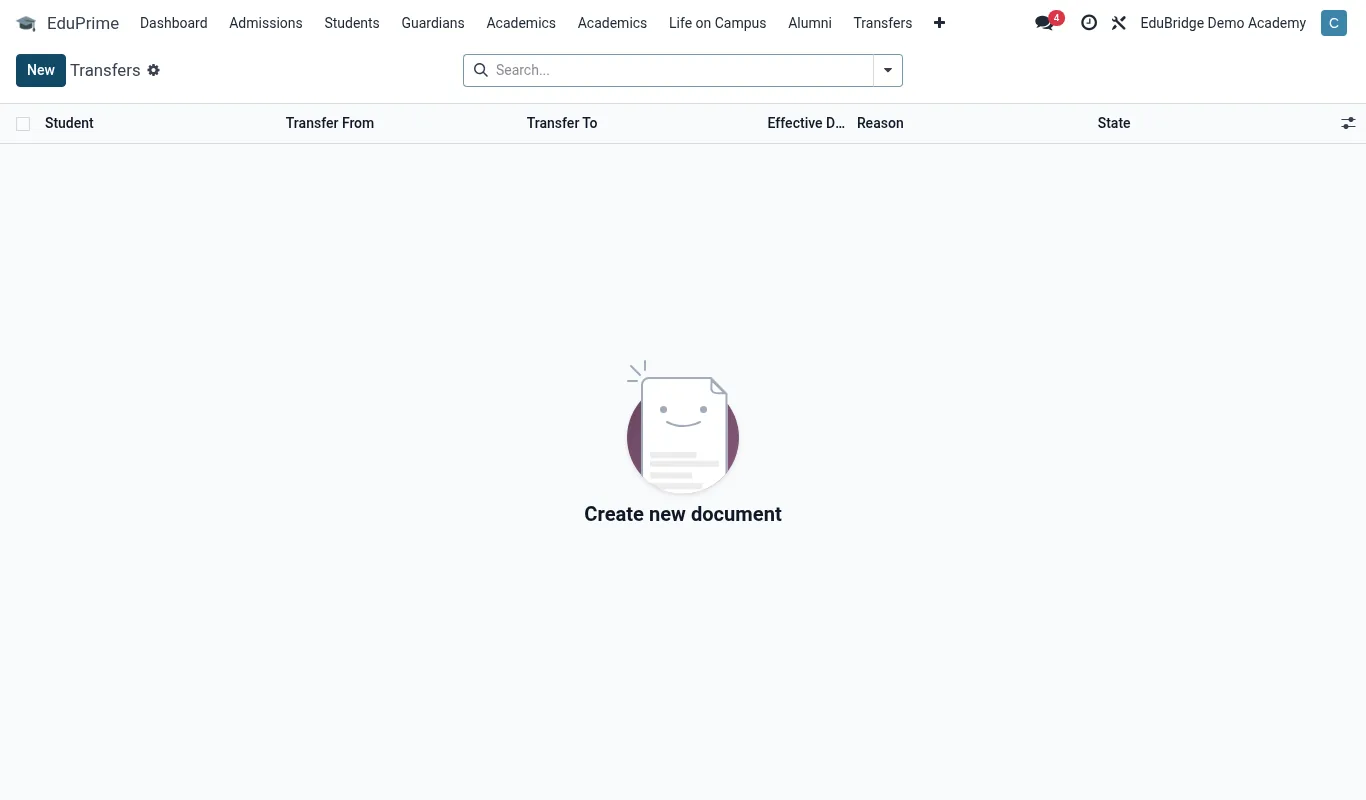
Common problems & fixes
| Symptom | Likely cause | Fix |
|---|---|---|
| Cannot log in | Wrong password, caps lock, or SSO misconfigured | Use “forgot password”; if SSO is on, confirm the identity provider is up and the account is enabled there. Use the break-glass local admin if the IdP is down. |
| App icons / menus missing or wrong | Module not enabled for the user’s role, or cached interface | Confirm the role grants the module, then hard-refresh the browser to clear the cached menu. |
| Payment not reconciling | Payment reference does not match the invoice | Open the payment, match it to the correct invoice manually, and confirm. Check for duplicate invoices for the same student. |
| Report card / transcript prints blank | Marks not entered, or term/semester not published | Verify results exist and the assessment is finalised; publish the term, then re-print. |
| Import fails or rows rejected | Column headers do not match, required field empty, or bad date format | Download the import template, map columns exactly, fill required fields, use the expected date format; re-import only the rejected rows. |
| Parent / student cannot access portal | Invitation not sent, not accepted, or account not linked to the record | Re-send the portal invitation; confirm the guardian/student link and the email on the record. |
| Email or SMS not sending | Mail/SMS gateway credentials wrong or quota exhausted | Check the outgoing-mail / SMS gateway settings and provider balance; send a test message; inspect the failed-message queue for the specific error. |
| Duplicate students appear | Imported twice, or admitted again instead of re-enrolled | Merge the duplicates from the student record; for returning students use re-enrolment, not a new admission. |
| Statutory export rejected by regulator | Missing unique identifiers or stale file | Run the validation report, fix flagged records (e.g. missing UPI/UPN), re-generate, then re-submit the fresh file. |
| Cannot see a confidential record | Record rule – your role is not authorised | This is by design. Request the relevant role from an administrator if you have a legitimate need; access is audited. |
| Room double-booked | Booking made before the timetable was published | Publish the teaching timetable first; resolve the clash by moving the one-off booking to a free slot or another room. |
| Webhook not received | Endpoint down, returning non-2xx, or signature check failing | Confirm the endpoint is reachable over HTTPS and returns 2xx; verify the signing secret matches; check the webhook delivery log for retries. |
Tip — Before escalating, note exactly what you did, what you expected, and what happened – plus the record ID and the time. A precise report is resolved far faster than “it’s broken”.
Important — Never work around a permissions block by sharing another user’s login – it breaks the audit trail and may breach data-protection rules. Request the correct role instead. Shared logins are the single most common cause of compliance findings.
Related pages
Was this page helpful?