

The school website & online forms
EduPrime includes a built-in public website – managed from the same system – with an online /apply admissions form, news and events. Prospective families browse, apply and hear back without anyone leaving the platform.
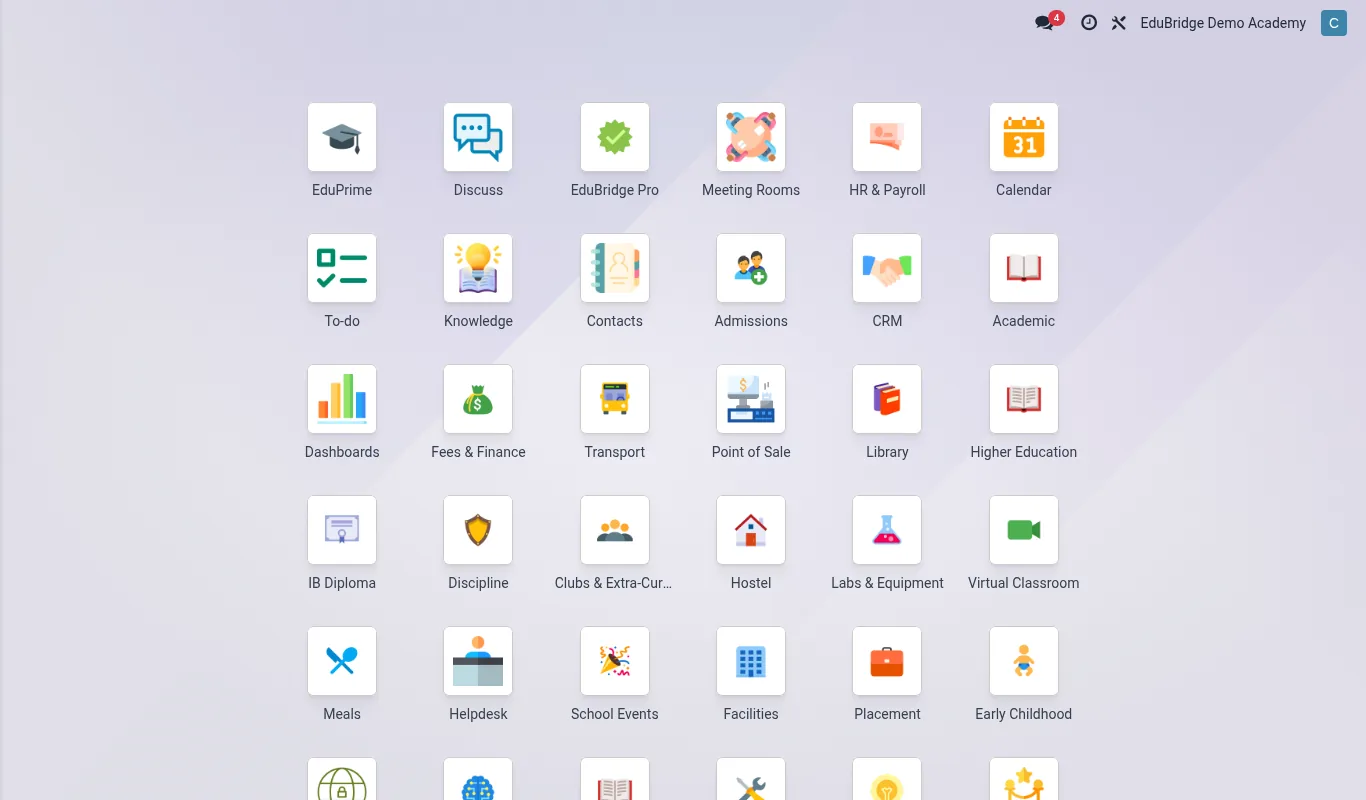
The built-in website
The website is part of EduPrime, not a separate CMS to integrate. You build pages with drag-and-drop blocks – hero banners, programme listings, staff profiles, galleries – and edit content in place. Because it sits on the same database, anything published (a programme, an event, a vacancy) can be sourced from live records rather than re-typed.
- Pages – About, Academics, Admissions, Contact, built from reusable blocks.
- Theme – colours, fonts and logo set once to match the institution’s brand.
- SEO – per-page titles, descriptions and clean URLs.
- Multi-language – serve the site in more than one language where needed.
The /apply form
The flagship integration is online admissions. The public /apply form lets a prospective student or parent submit an application that lands directly in the admissions pipeline – no email, no re-keying.
- The applicant completes the form – student details, programme/grade sought, guardian contacts, supporting documents.
- On submit, EduPrime creates an application / lead in the admissions CRM and acknowledges the applicant by email.
- Admissions staff review, request more information, and move the application through the funnel (received → reviewed → offer → accepted).
- Accepted applicants convert to enrolled students, carrying their submitted data forward – no double entry.
/apply to collect a non-refundable application fee at submission. This filters casual enquiries and the payment reconciles automatically against the application.News & events
Publish news posts and an events calendar from the website back office. Events can take online registrations – an open day, a parents’ evening, a graduation – with attendee lists captured in EduPrime. News supports tags and comments where you want engagement, moderated by staff.
/apply form and event registrations collect personal data from the public. Display your privacy notice and capture explicit consent on these forms (see Data protection & ODPC), and protect them with the platform’s spam controls – a public form is the most exposed surface you run.